
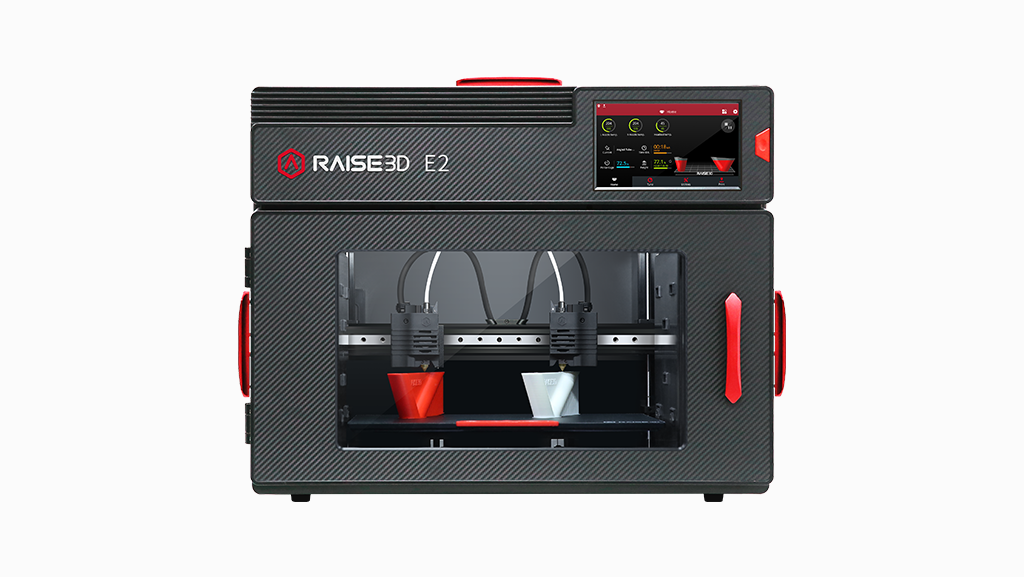
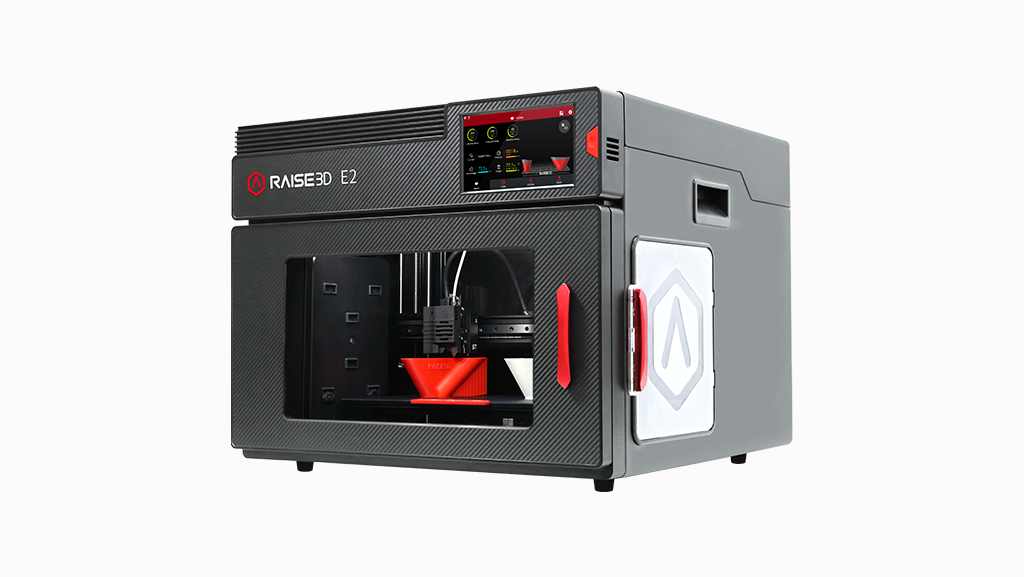
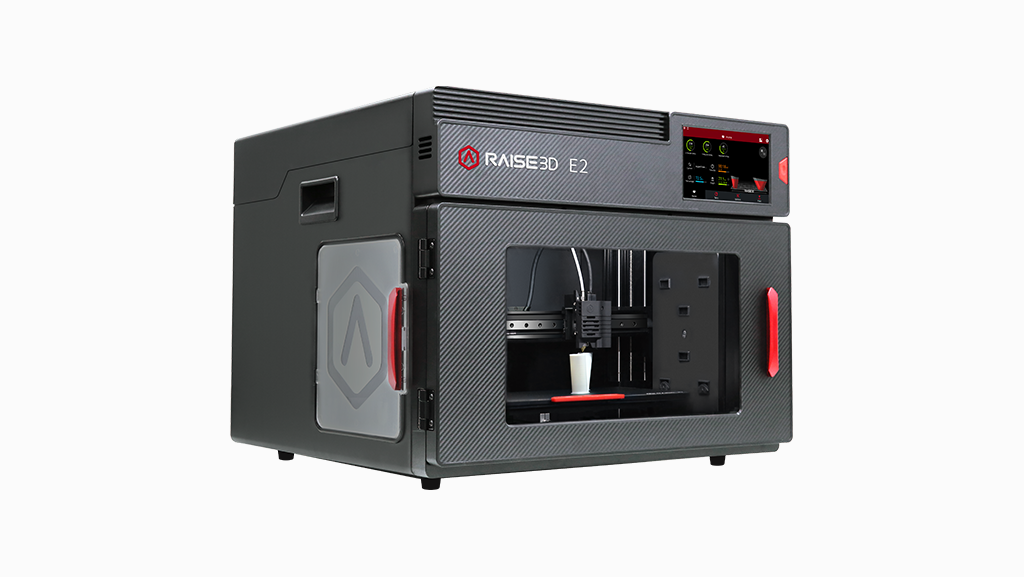
Raise3D E2 3D Printer
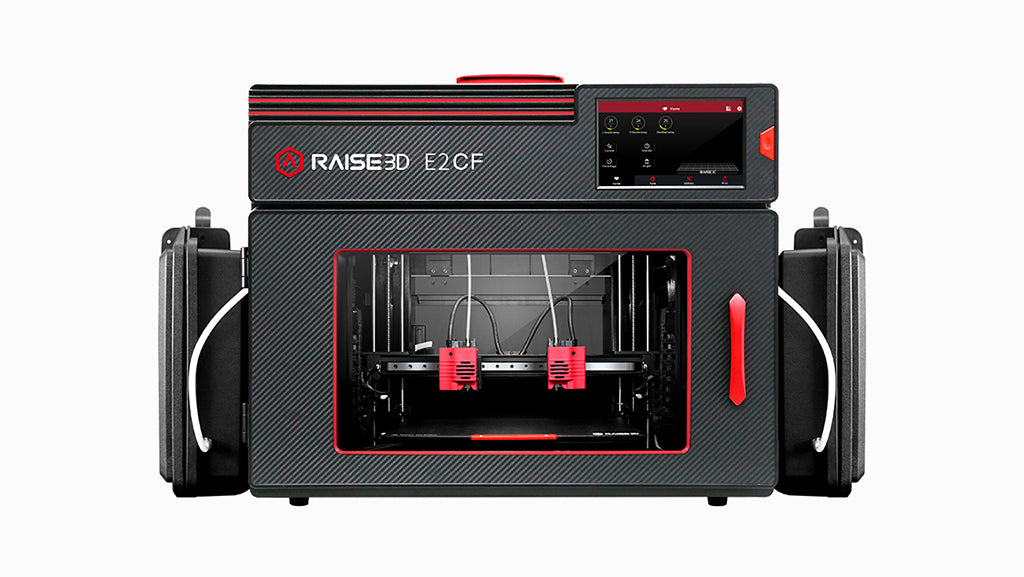
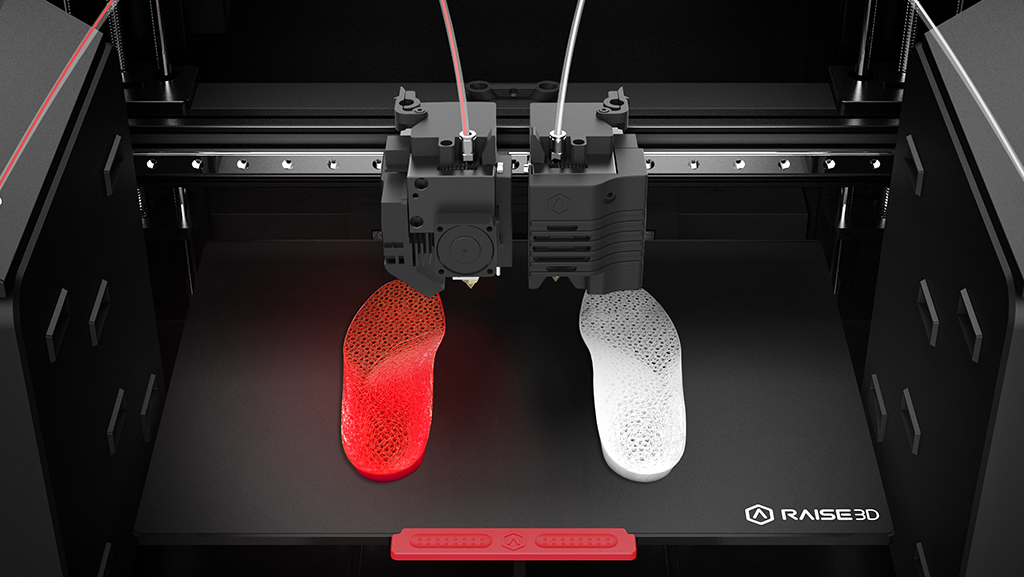
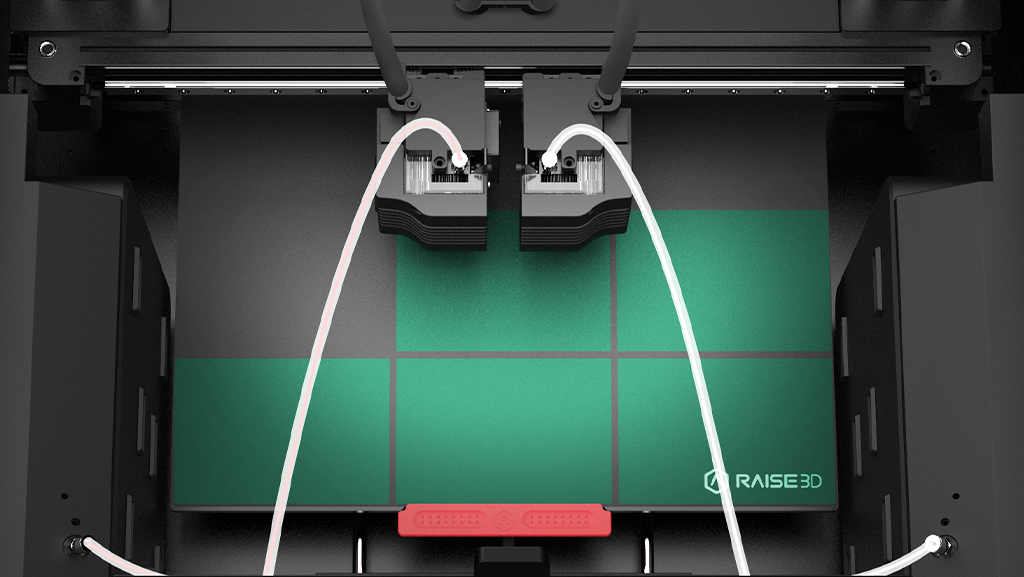
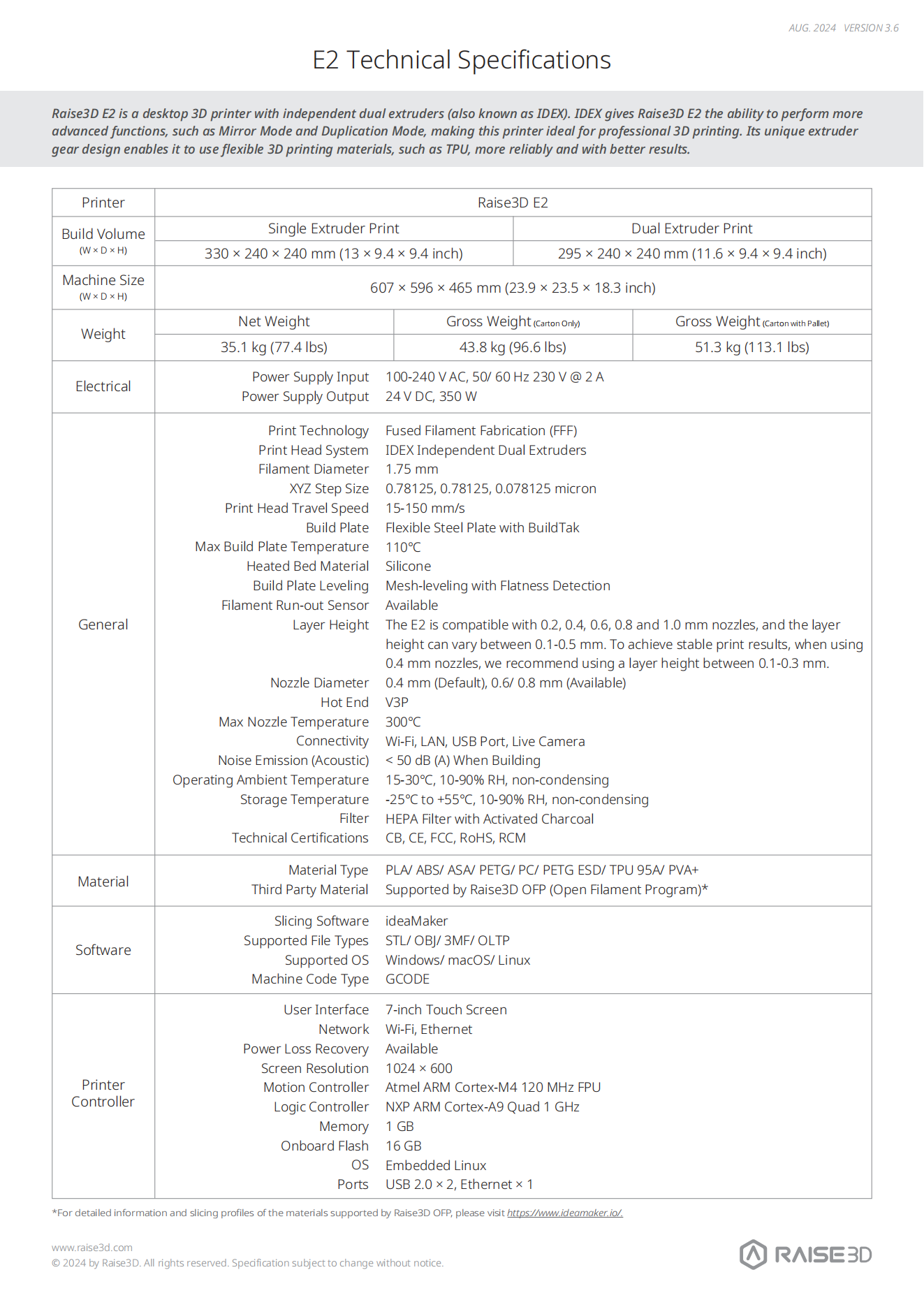
Run two parts at once or mirrored designs with the compact E2 IDEX 3D printer. Duplication and Mirror modes increase output for education, engineering prototypes and low-volume production, while auto leveling, video-assisted offset calibration, a flexible plate and broad material compatibility make daily dual-extrusion work more predictable.

Shop With Confidence!
- For delivery of the USA, expedited delivery availability (additional cost may apply), or additional questions, please contact sales@raise3d.com or +1-888-963-9028.
- The shown price excludes tax, which will be calculated during check out.

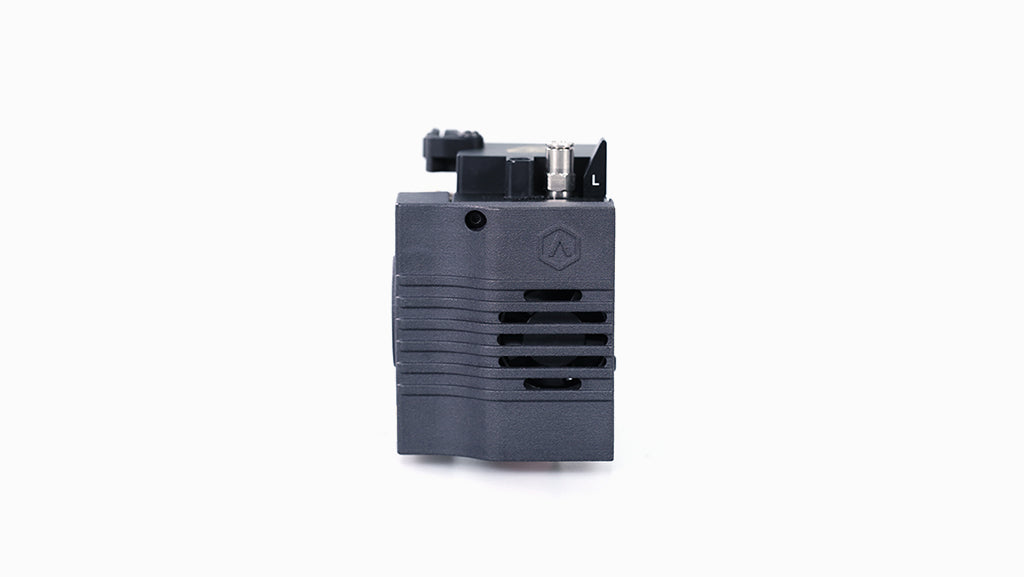
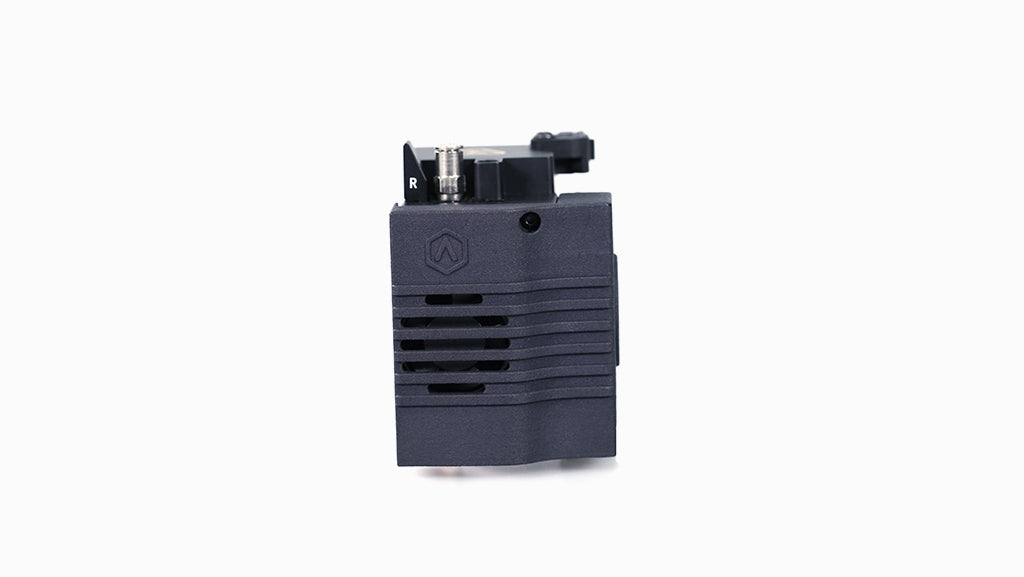
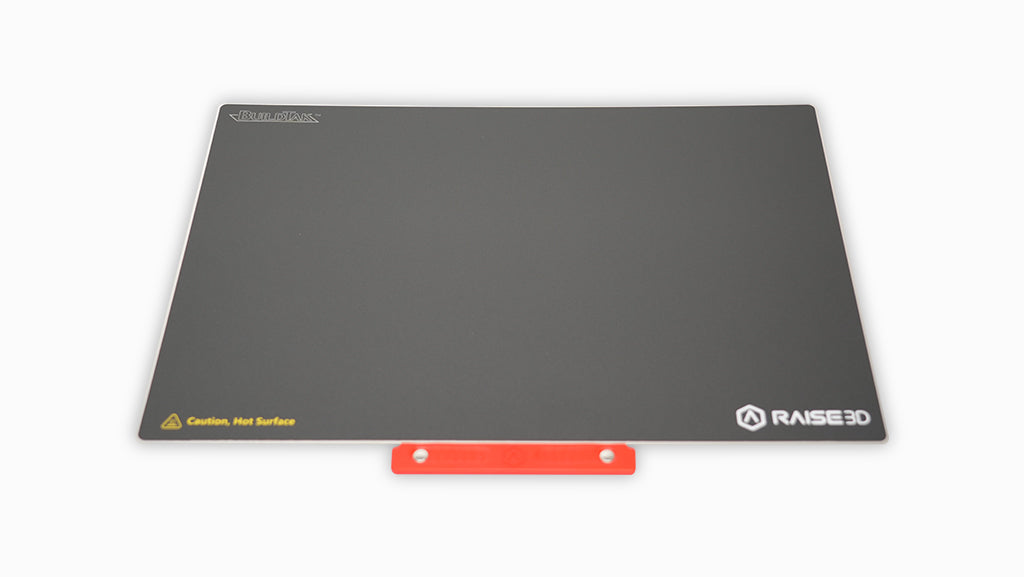
Product Support
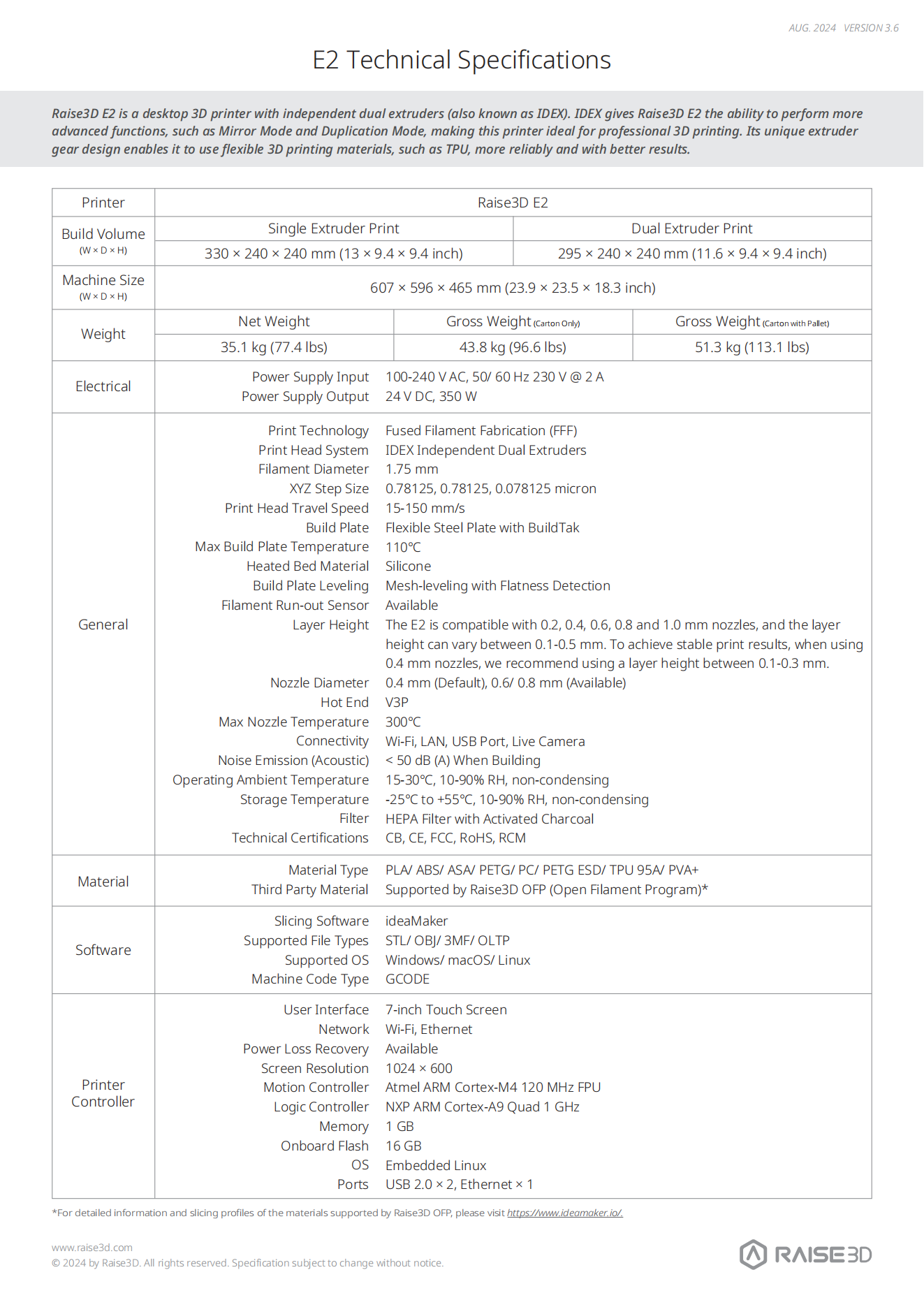








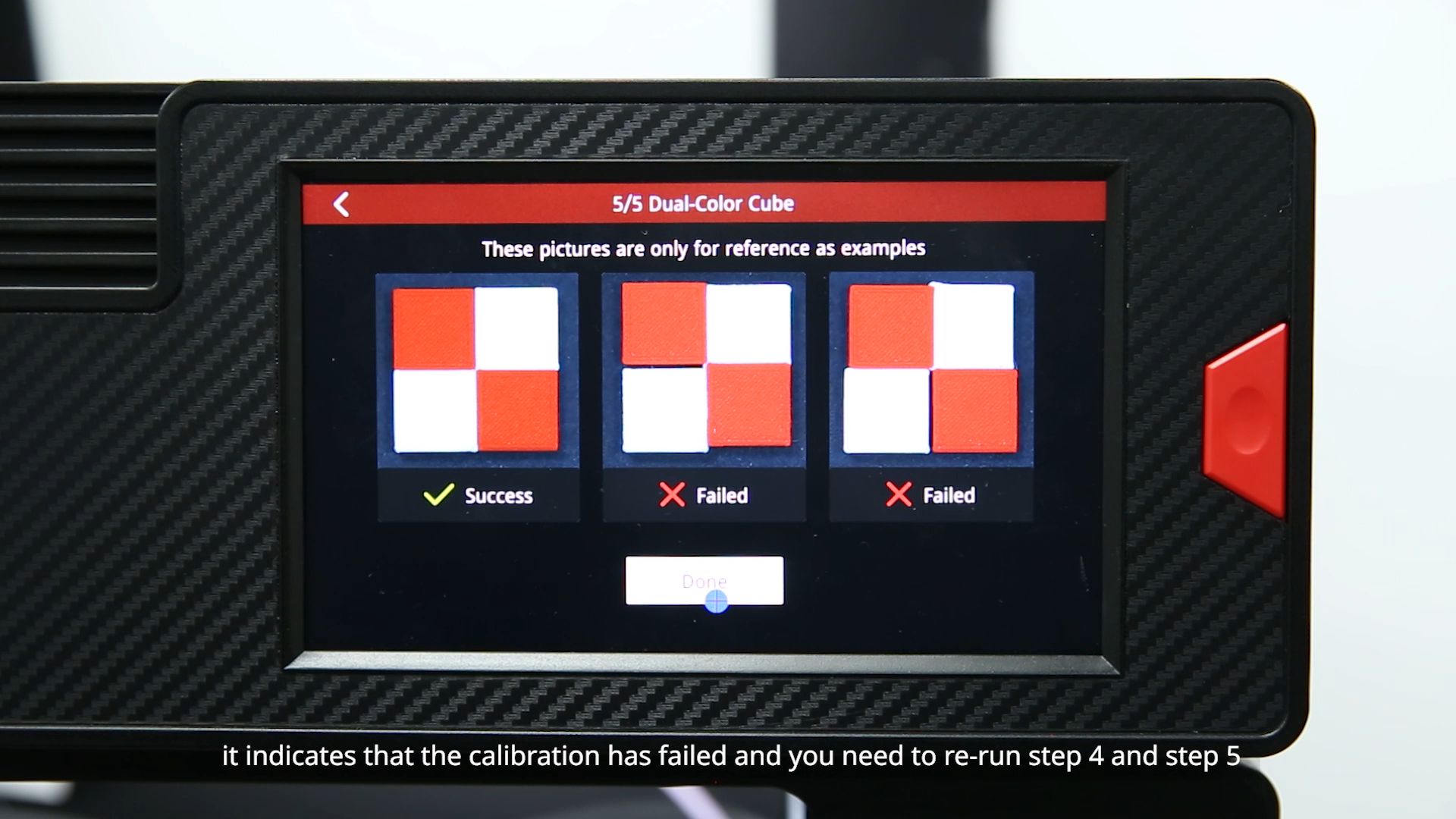
Step 1:UnpackCut straps and tape, remove the cardboard outer packaging, and take out the guide, tools, power cord, and cover. With help, lift the printer out, then remove ties, stickers, and clamps.Step 2:Install TraySlide the print head to the center to facilitate tray installation. Keep all removed parts and packaging for future use.Step 3:CalibratePlug in the power cord, switch the printer on, select your language, and follow the on-screen prompts after the build plate rises.Step 4:Start PrintComplete the 5-step offset calibration (approximately 1 hour), then use your phone to scan the QR code on the printer to register and start printing.
Yes, you can track your order. Once your shipping label is created, our website will automatically notify you with the tracking number.
For parcel shipments (via UPS or FedEx), you can track the shipment directly using the tracking number provided.
For printer orders (which are heavy and shipped via LTL Freight), tracking information will be shared once the shipment is arranged. We will provide the carrier name and PRO number (tracking number).
You can track your printer by searching the carrier name and PRO number on Google or the carrier’s website.
If you leave your email address with your order and request tracking updates, we will also send a real-time tracking link to your email.
We currently ship to all 48 contiguous U.S. states. For most U.S. addresses, you can place your order directly through our website.
For shipments to Alaska, Hawaii, or U.S. territories (such as Puerto Rico), additional shipping arrangements may be required. Please contact us before placing your order.
For shipments to Canada or Mexico, please email us or reach out to your sales representative for assistance.
Shipping rates for UPS and FedEx are automatically calculated by our system based on the weight and dimensions of the items in your order.
Orders over $99 qualify for free shipping.
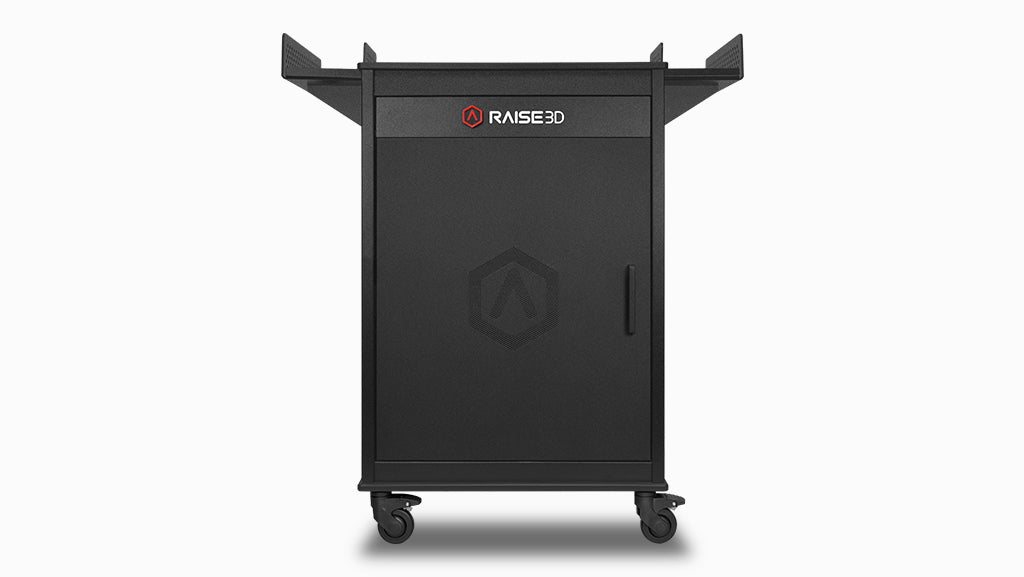
For printers and cabinets, the base shipping fee is $250 per unit when delivered to a commercial address.
Additional fees may apply based on the delivery location and unloading conditions:
- Residential addresses, schools, universities, hospitals, or any location with limited access will incur a Limited Access Delivery Fee.
- If the receiving location does not have a loading dock or forklift, a Liftgate Service Fee will be added to allow the shipment to be unloaded safely from the truck.
Please ensure the delivery location is appropriately equipped to avoid unexpected charges or delays.