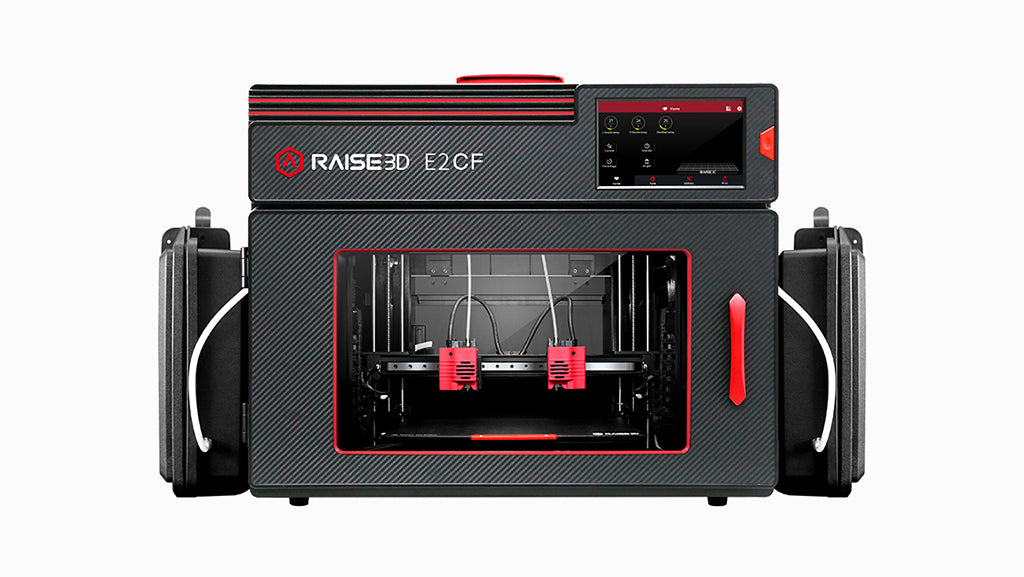
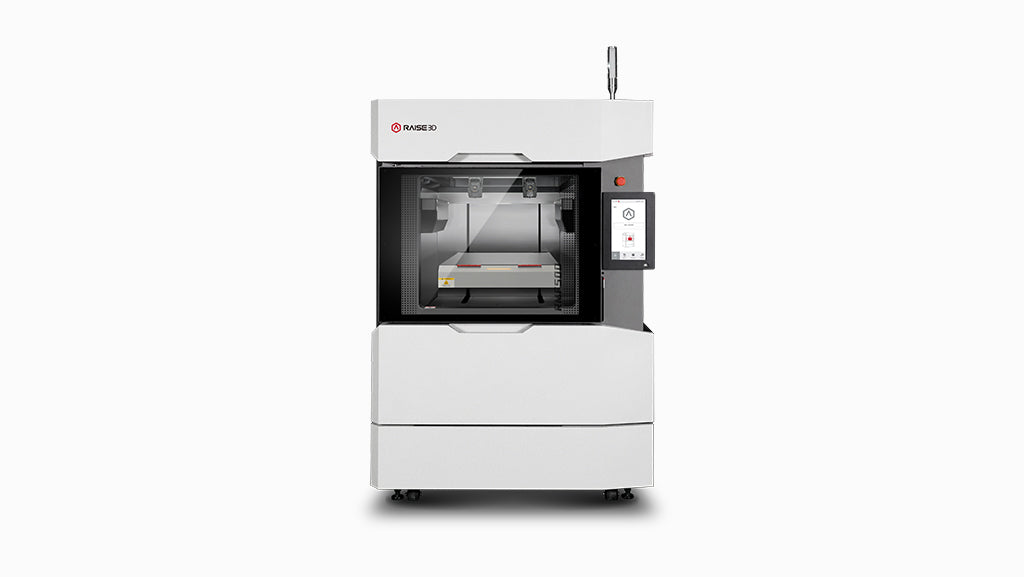
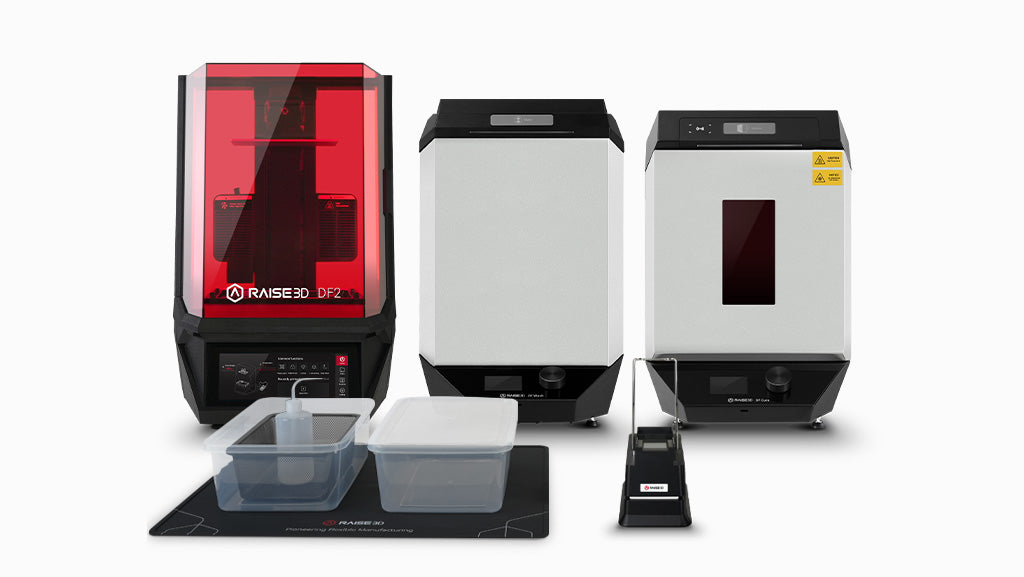

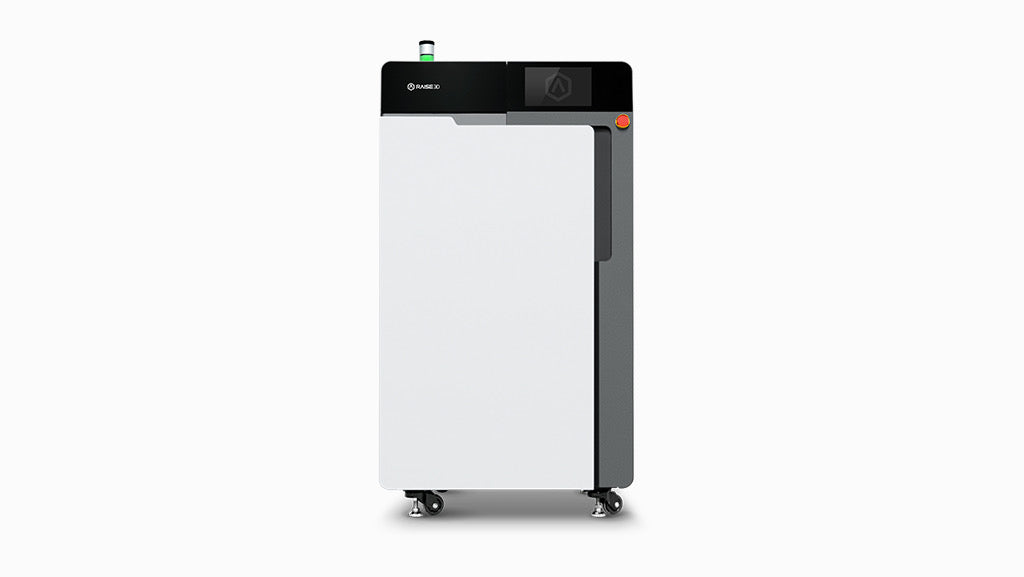
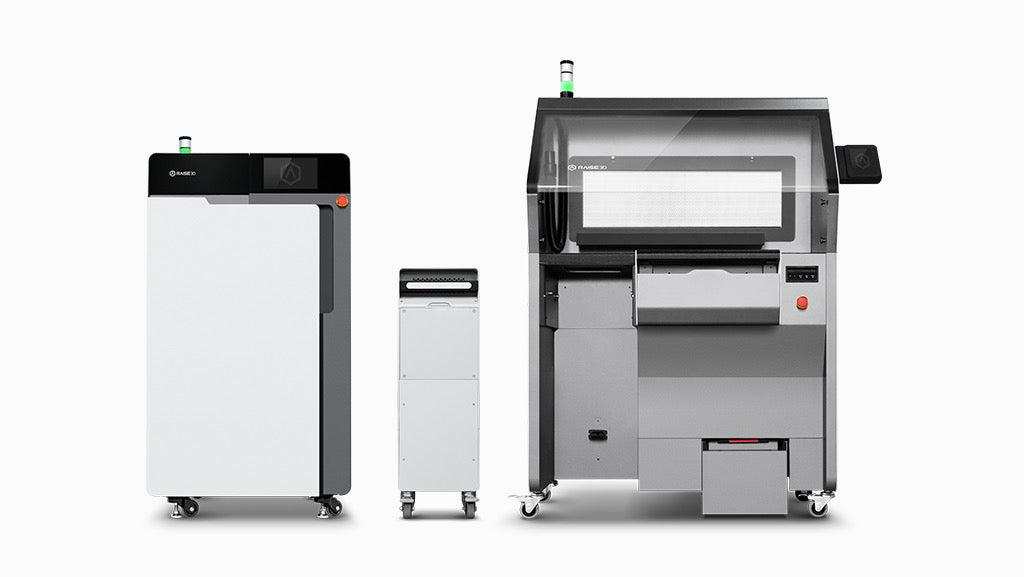
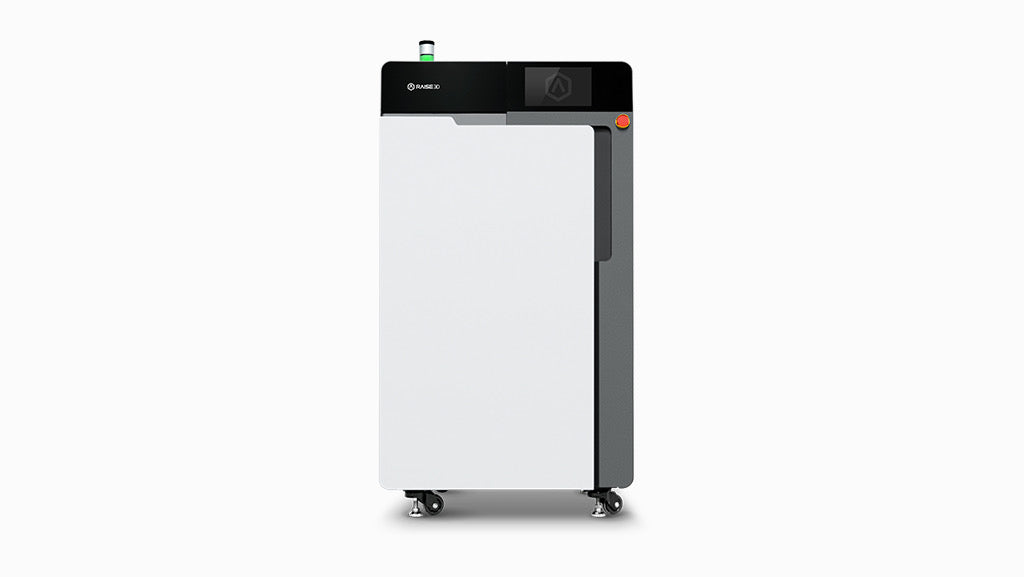
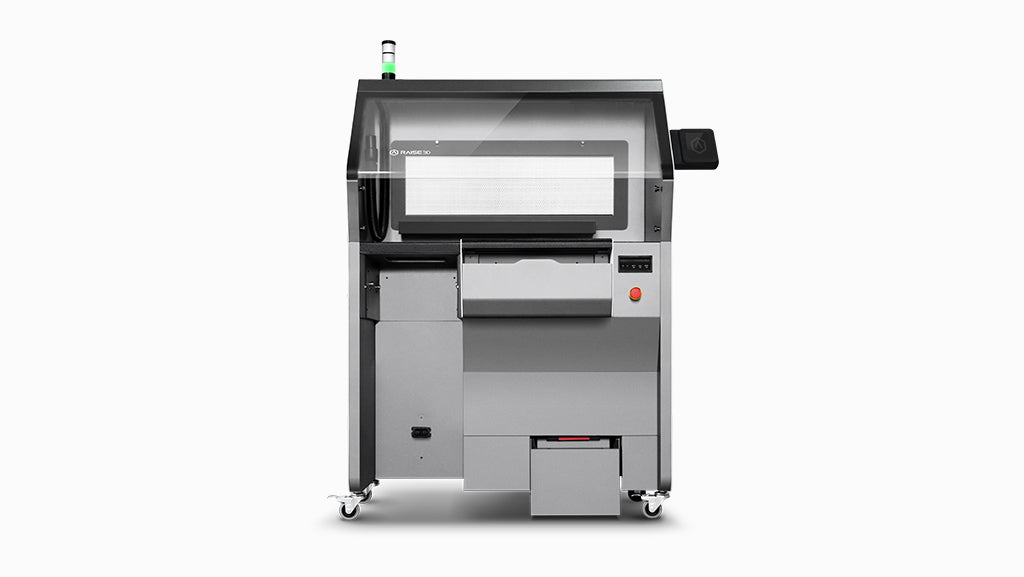
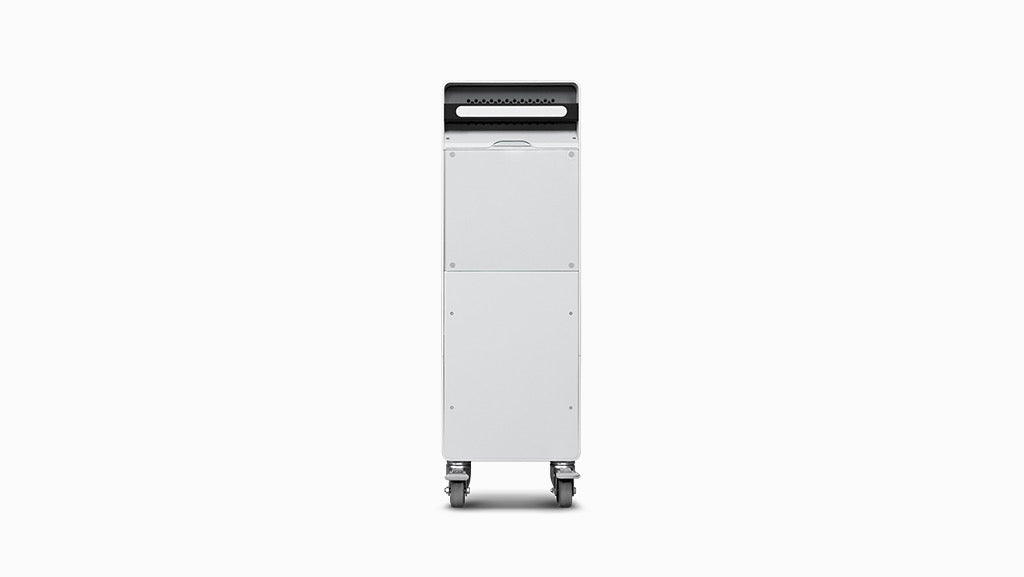
Raise3D RMS220 Series Standard Package (Including Build Unit 220)
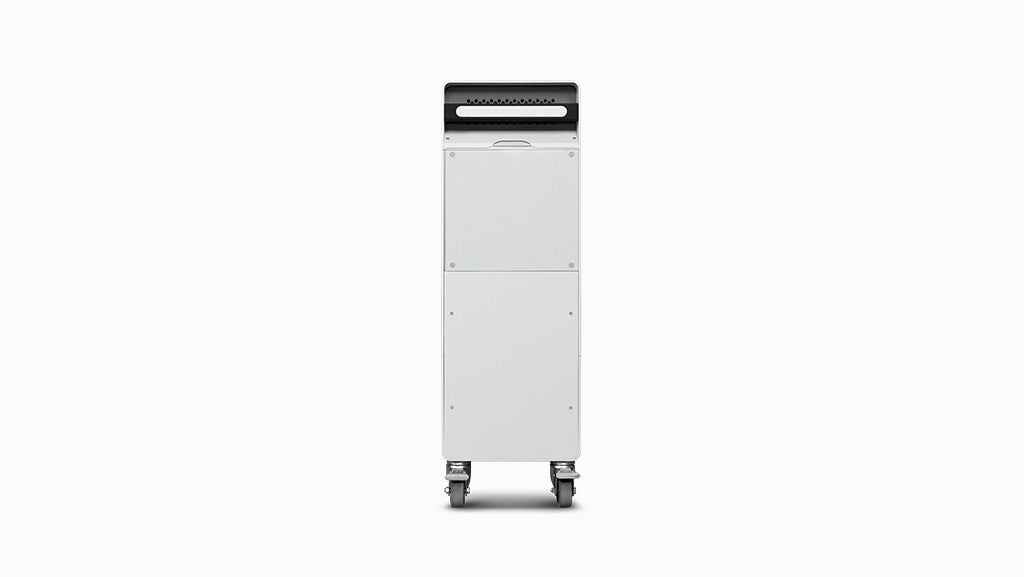
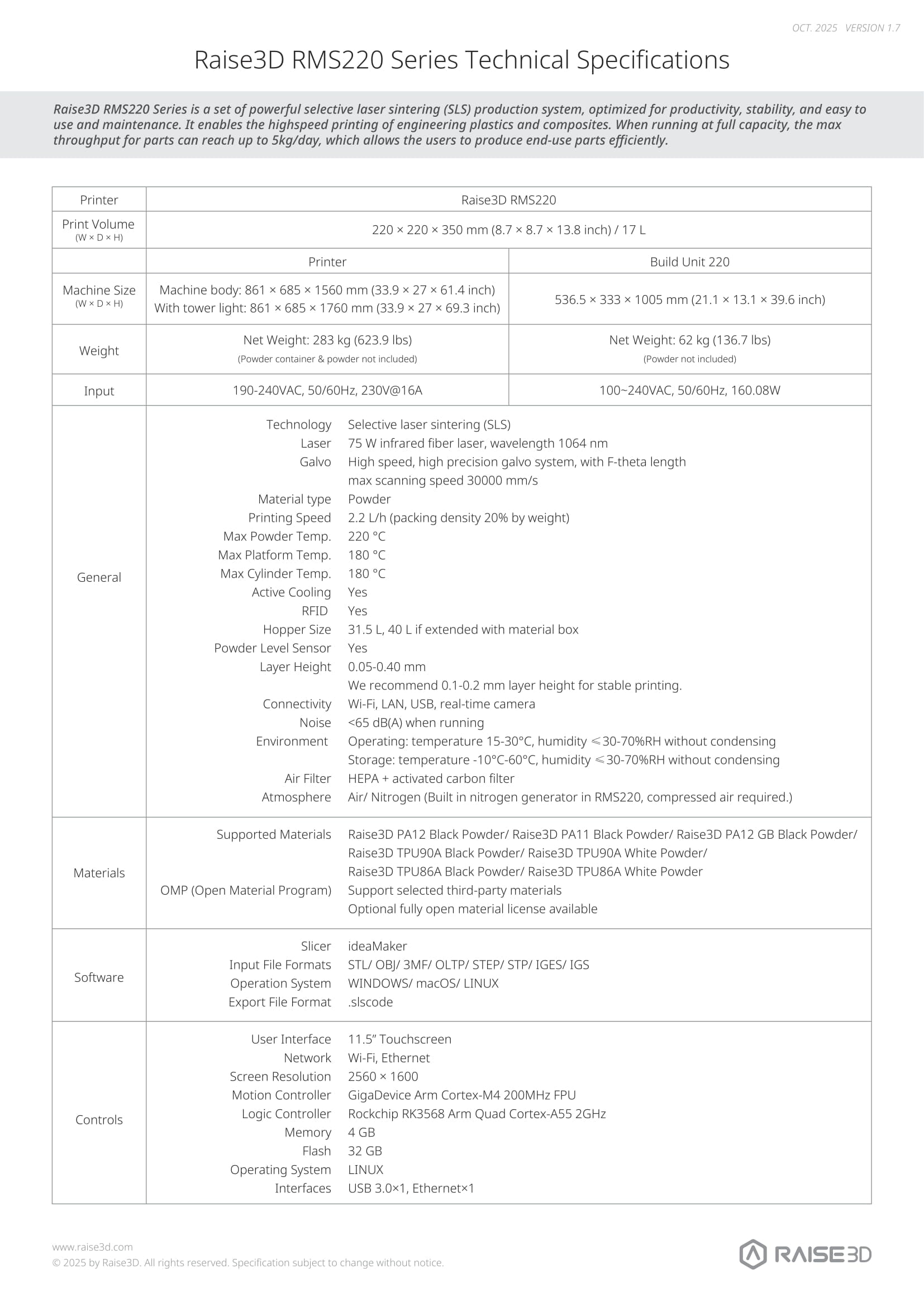
Deploy a complete SLS workflow with the RMS220 Standard Package, including the printer, Build Unit 220 and C220-P Cleaning Station. The 220 × 220 × 350 mm system processes supported PA and TPU powders at throughput up to 5 kg per day, with bundled cleaning for faster batch turnaround.

Shop With Confidence!
- For delivery of the USA, expedited delivery availability (additional cost may apply), or additional questions, please contact sales@raise3d.com or +1-888-963-9028.
- The shown price excludes tax, which will be calculated during check out.

Product Support


Step 01 Unpack
Remove the screws securing the RMS220 printer in its shipping crate and remove the crate itself; remove the area-specific power cord. After removing the mounting feet, push the printer off the crate platform to an open area. Disassemble the Build Unit 220 and C220-P cleaning station using the same method.
Step 02 Install
Remove the accessory box from the RMS220 printer cavity. Install the tower light, external air source, IR sensor, and optical window one by one. Remove the accessory box from the C220-P cleaning station cavity. Install the tower light, screen assembly, weighing mechanism, adjustable elbow rest, screen, air gun, anti-static wrist strap, etc. one by one.
Step 03 Level
Use the included leveling tool to level the RMS220 printer and C220-P cleaning station according to the instructions.
Step 04 Start Printing
Connect the power supplies to the RMS220 printer, Build Unit 220, and C220-P cleaning station. Turn on the power switch. Follow the manual instructions to begin your first print job.
Yes, you can track your order. Once your shipping label is created, our website will automatically notify you with the tracking number.
For parcel shipments (via UPS or FedEx), you can track the shipment directly using the tracking number provided.
For printer orders (which are heavy and shipped via LTL Freight), tracking information will be shared once the shipment is arranged. We will provide the carrier name and PRO number (tracking number).
You can track your printer by searching the carrier name and PRO number on Google or the carrier’s website.
If you leave your email address with your order and request tracking updates, we will also send a real-time tracking link to your email.
We currently ship to all 48 contiguous U.S. states. For most U.S. addresses, you can place your order directly through our website.
For shipments to Alaska, Hawaii, or U.S. territories (such as Puerto Rico), additional shipping arrangements may be required. Please contact us before placing your order.
For shipments to Canada or Mexico, please email us or reach out to your sales representative for assistance.
Shipping rates for UPS and FedEx are automatically calculated by our system based on the weight and dimensions of the items in your order.
Orders over $99 qualify for free shipping.
For printers and cabinets, the base shipping fee is $250 per unit when delivered to a commercial address.
Additional fees may apply based on the delivery location and unloading conditions:
- Residential addresses, schools, universities, hospitals, or any location with limited access will incur a Limited Access Delivery Fee.
- If the receiving location does not have a loading dock or forklift, a Liftgate Service Fee will be added to allow the shipment to be unloaded safely from the truck.
Please ensure the delivery location is appropriately equipped to avoid unexpected charges or delays.