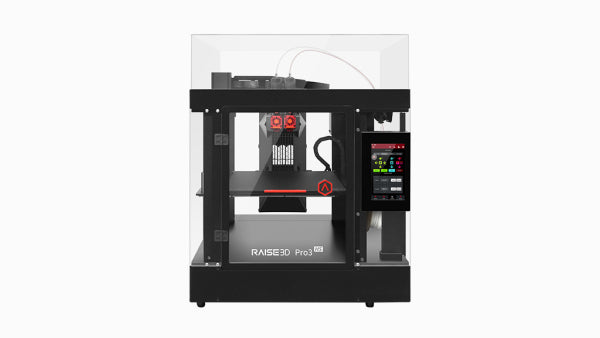
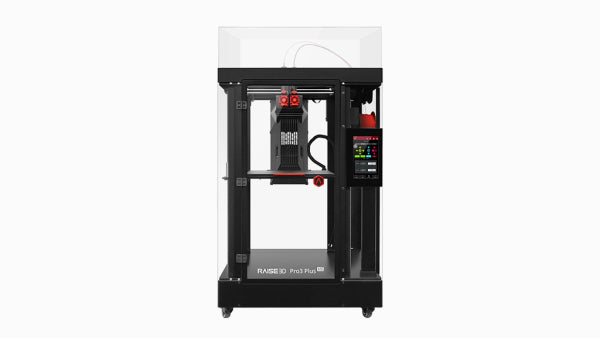
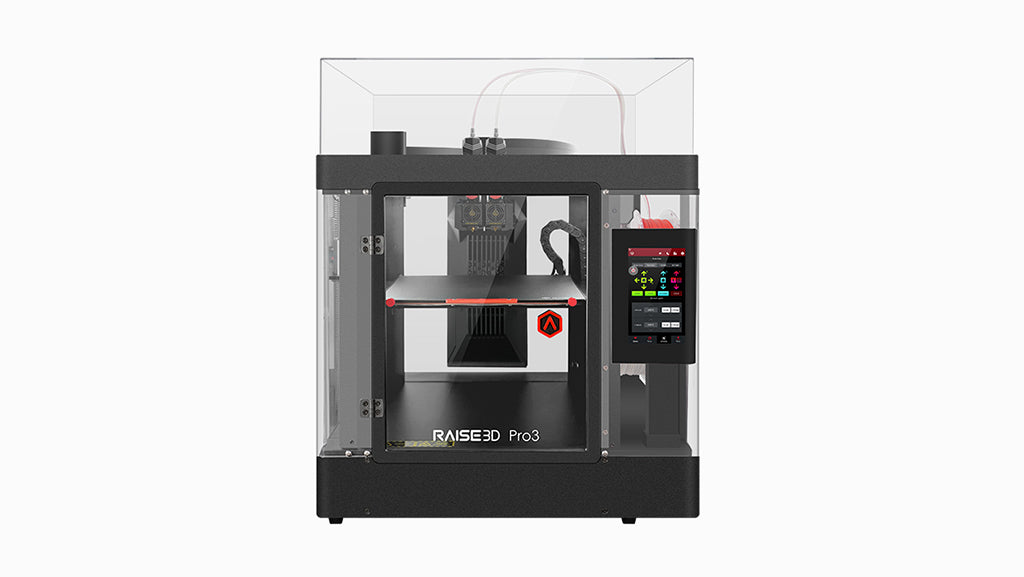


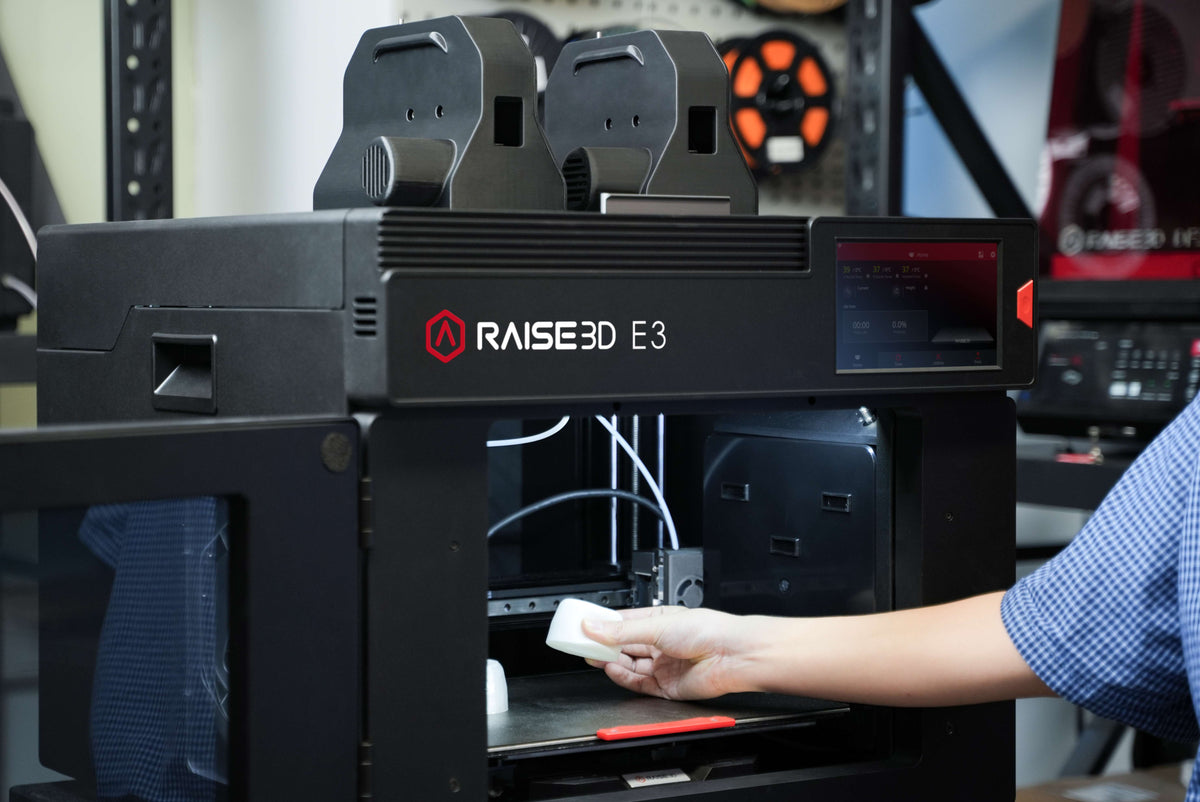


Raise3D E3 3D Printer
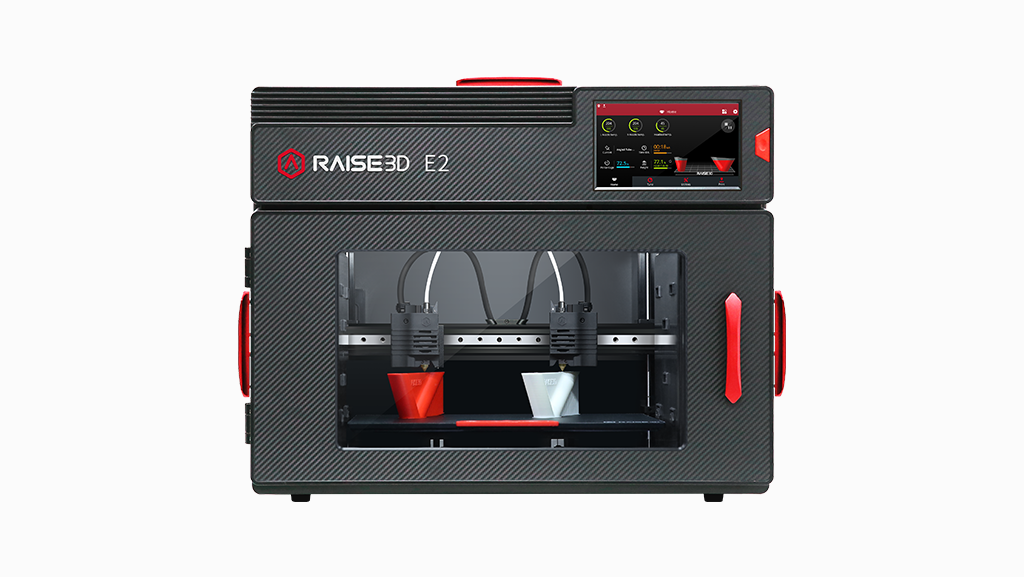
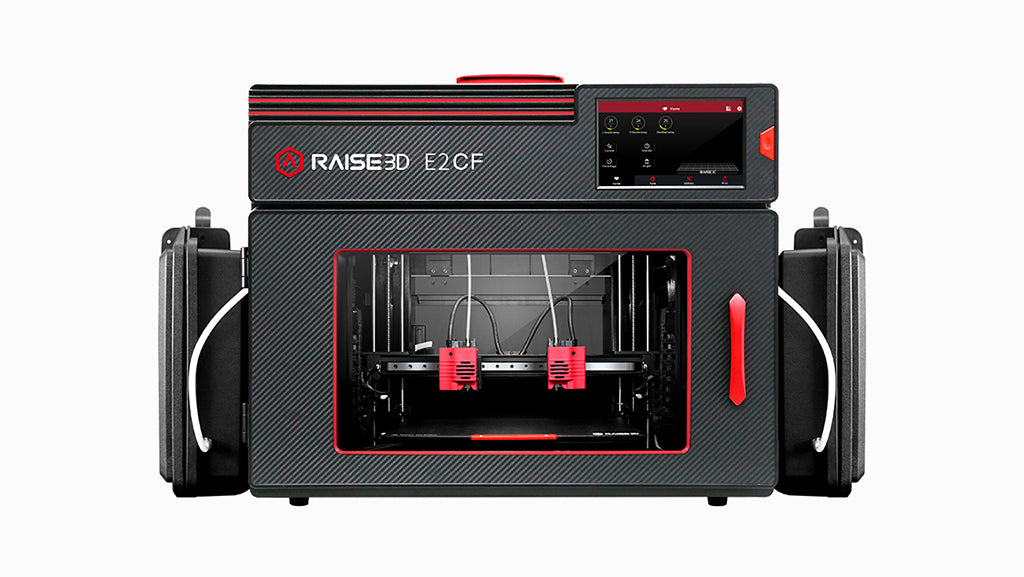
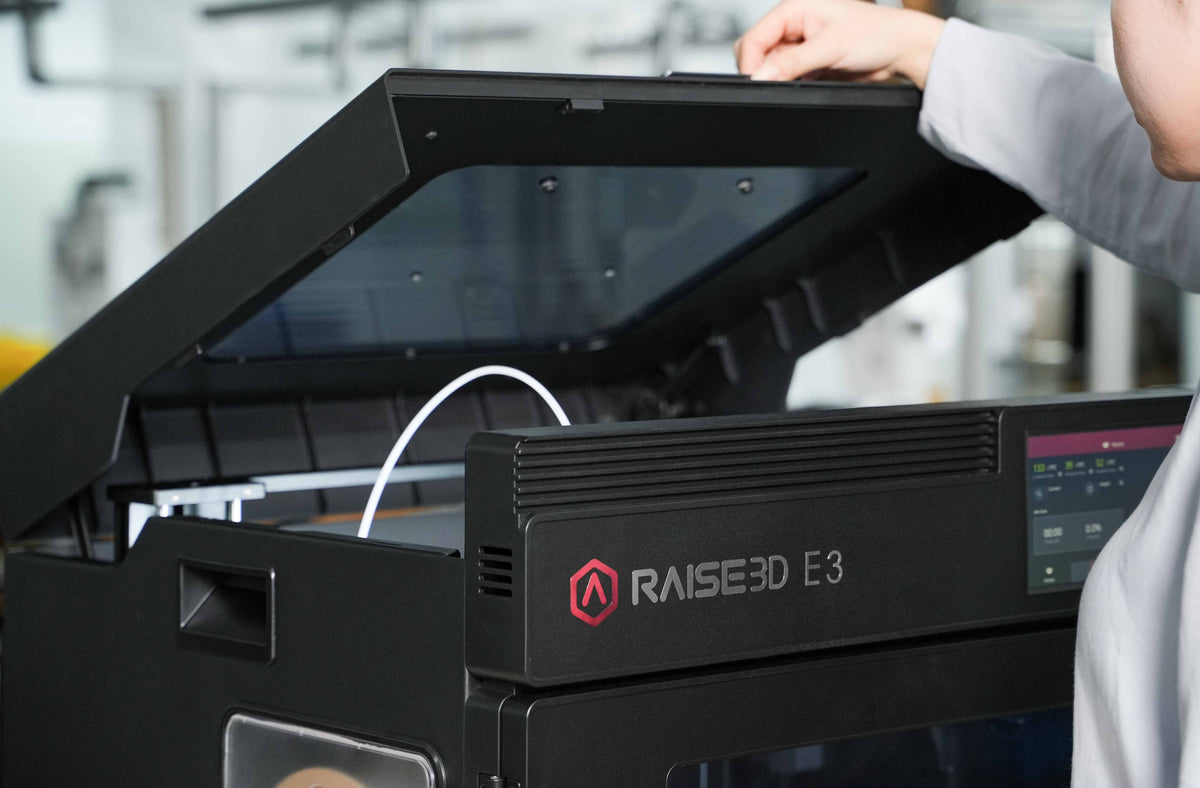
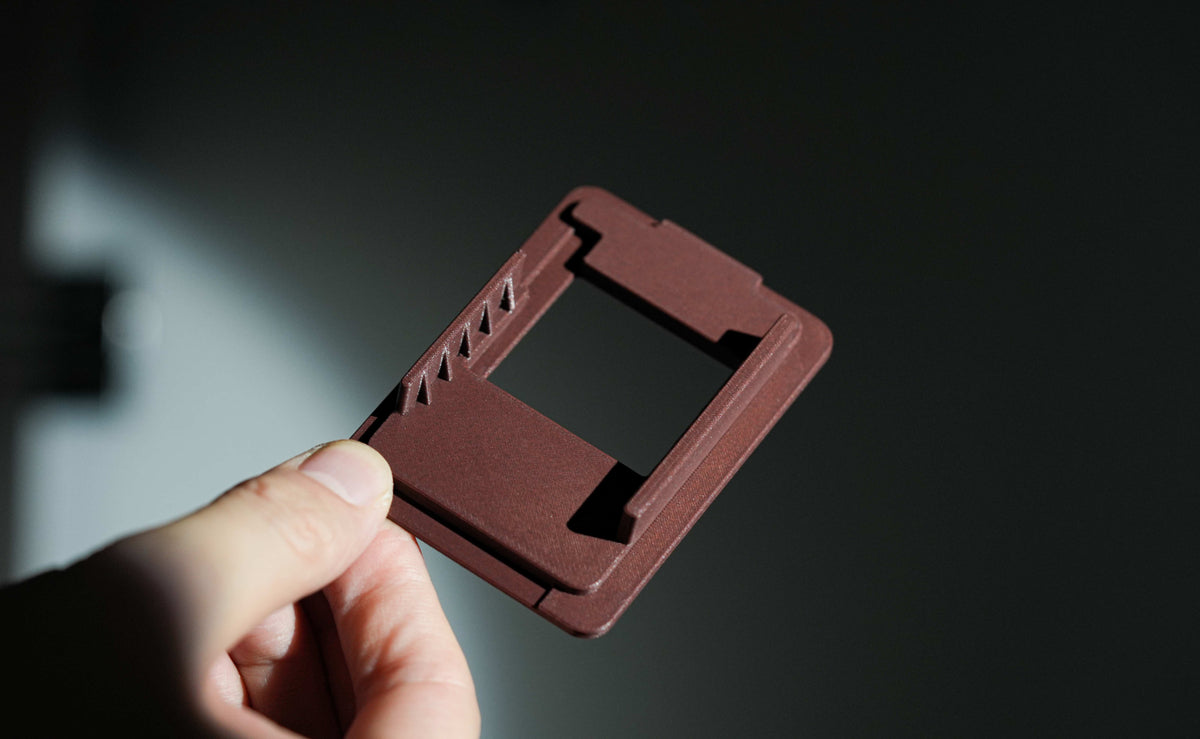
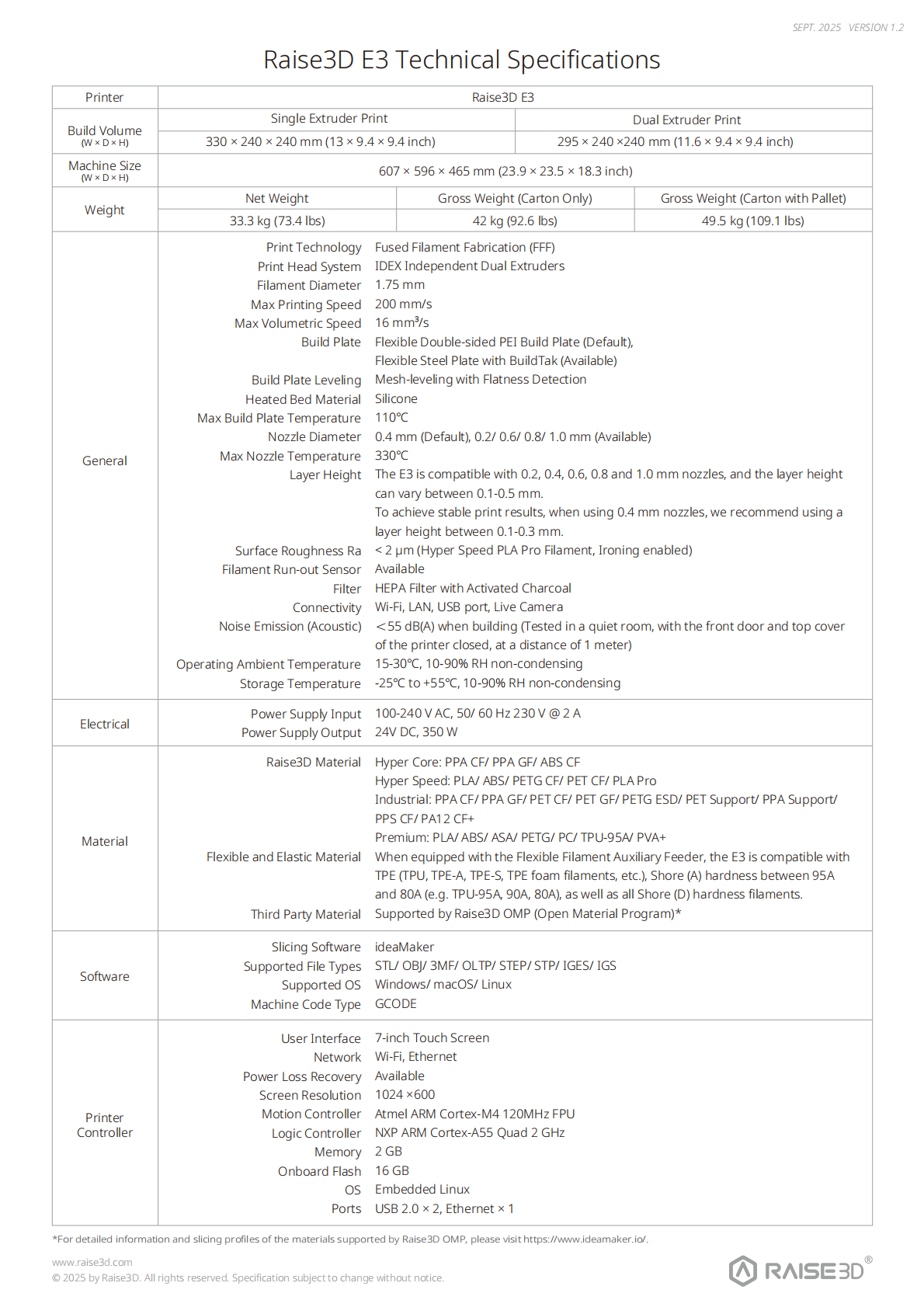
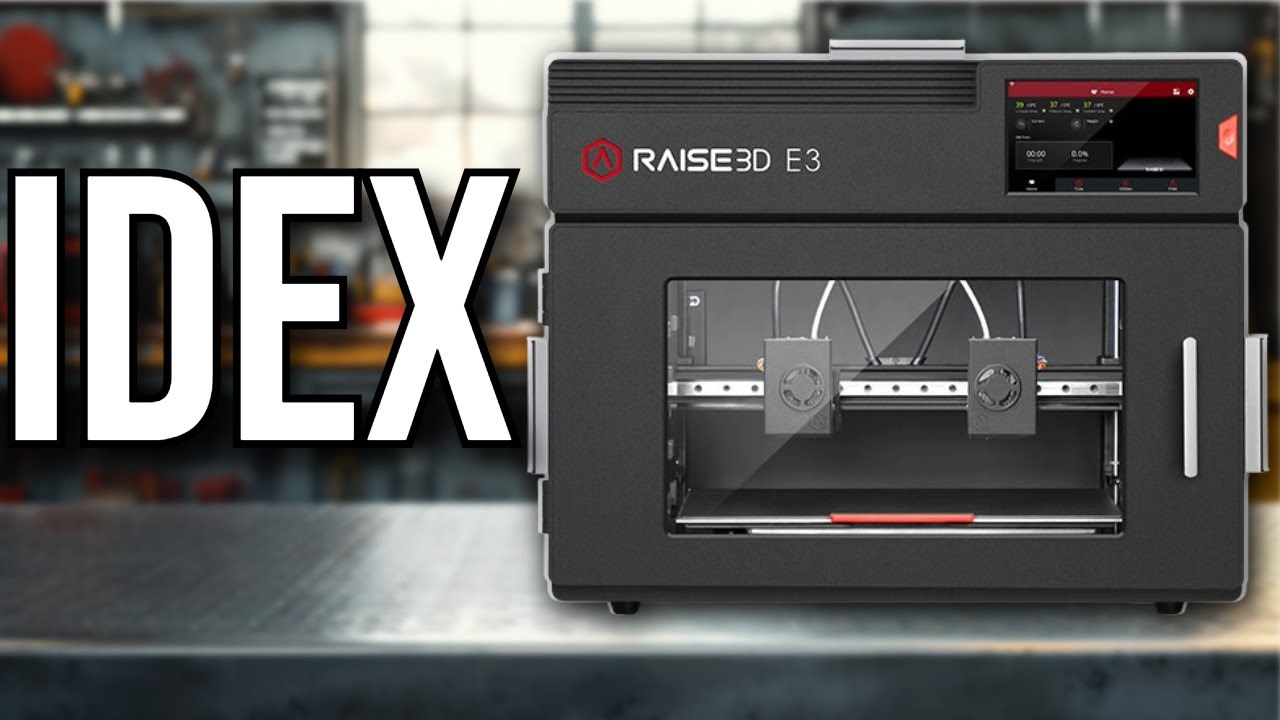
Print flexible, composite and engineering-grade parts on one adaptable IDEX platform. The E3 combines a short filament path with optional composite print heads for dependable TPU and composite printing at up to 200 mm/s. Its 330 × 240 × 240 mm single-extruder build volume, Pro Ironing, dry material storage, auto leveling and recovery sensors support prototypes and end-use parts with controlled surface quality.

Shop With Confidence!
- For delivery of the USA, expedited delivery availability (additional cost may apply), or additional questions, please contact sales@raise3d.com or +1-888-963-9028.
- The shown price excludes tax, which will be calculated during check out.


Product Support
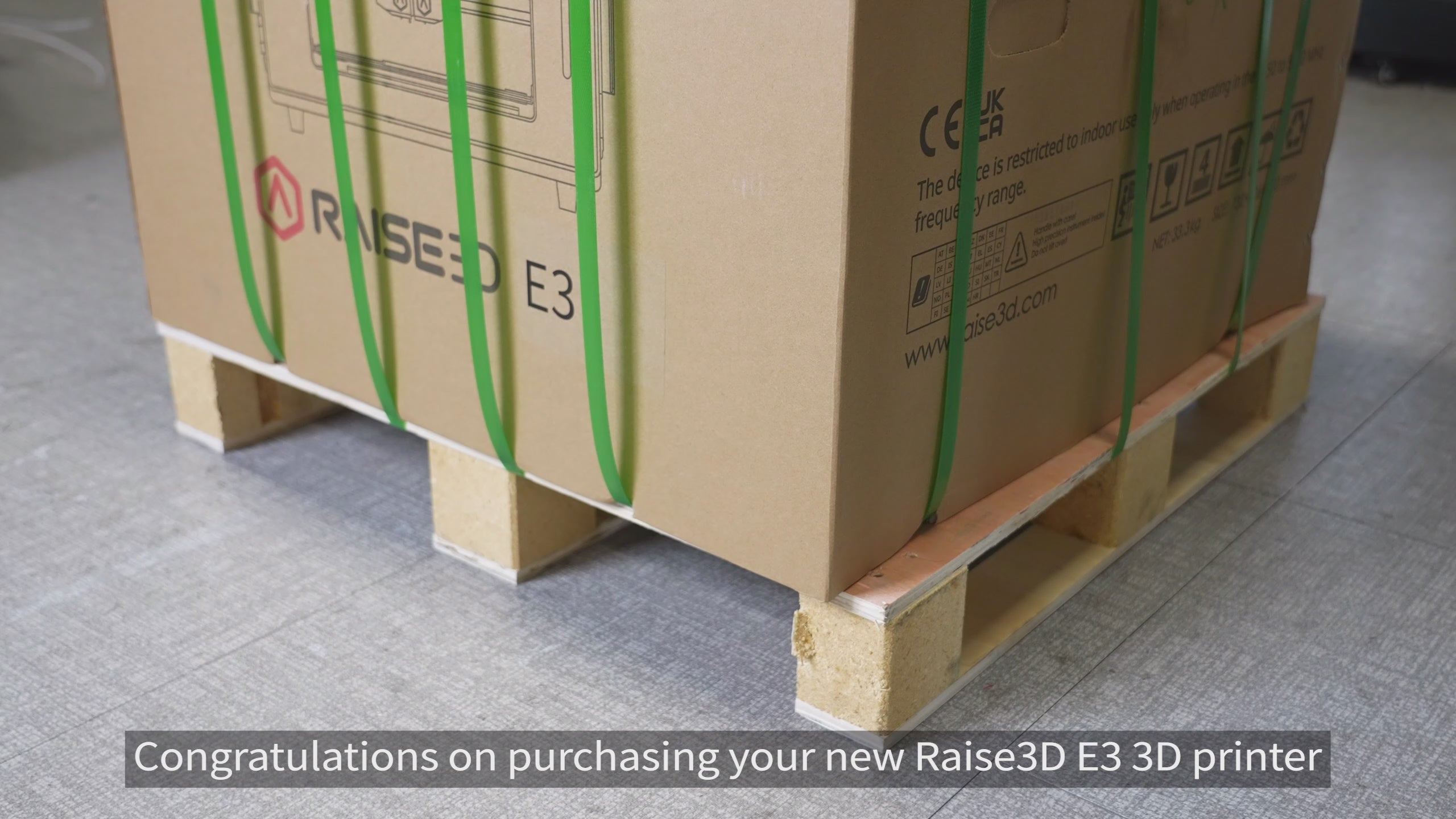
Step 1:UnpackCut straps and tape, open the box, and take out the guide, hex wrench, and power cord. With help, lift the printer out, remove the plastic bag, and place it in a clear space. Keep all packaging for future use.
Step 2:Install AccessoriesOpen the front door to access the accessory box. Open left and right material boxes, install the filament holders, and insert the desiccant to keep filaments dry.
Step 3:SetupPlug in the power cord and switch on the printer. Select your language, then follow the on-screen prompts to remove the X-axis and Z-axis locks and complete printer name, network, and basic settings.
Step 4:Calibrate & PrintFollow on-screen prompts to complete offset calibration, then scan the QR code to register and start printing.
Yes, you can track your order. Once your shipping label is created, our website will automatically notify you with the tracking number.
For parcel shipments (via UPS or FedEx), you can track the shipment directly using the tracking number provided.
For printer orders (which are heavy and shipped via LTL Freight), tracking information will be shared once the shipment is arranged. We will provide the carrier name and PRO number (tracking number).
You can track your printer by searching the carrier name and PRO number on Google or the carrier’s website.
If you leave your email address with your order and request tracking updates, we will also send a real-time tracking link to your email.
We currently ship to all 48 contiguous U.S. states. For most U.S. addresses, you can place your order directly through our website.
For shipments to Alaska, Hawaii, or U.S. territories (such as Puerto Rico), additional shipping arrangements may be required. Please contact us before placing your order.
For shipments to Canada or Mexico, please email us or reach out to your sales representative for assistance.
Shipping rates for UPS and FedEx are automatically calculated by our system based on the weight and dimensions of the items in your order.
Orders over $99 qualify for free shipping.
For printers and cabinets, the base shipping fee is $250 per unit when delivered to a commercial address.
Additional fees may apply based on the delivery location and unloading conditions:
- Residential addresses, schools, universities, hospitals, or any location with limited access will incur a Limited Access Delivery Fee.
- If the receiving location does not have a loading dock or forklift, a Liftgate Service Fee will be added to allow the shipment to be unloaded safely from the truck.
Please ensure the delivery location is appropriately equipped to avoid unexpected charges or delays.

Choose the Right E3 Package for Your Workflow
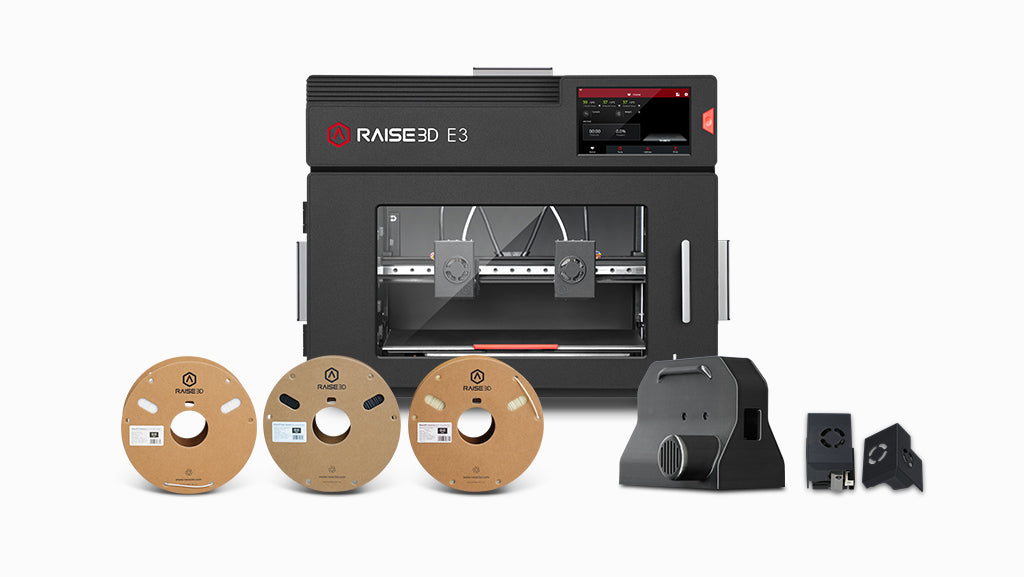
Every package includes the same Raise3D E3 printer. The difference is in the included accessories, print heads, and specialty filaments.
|
Configuration
|
Standard
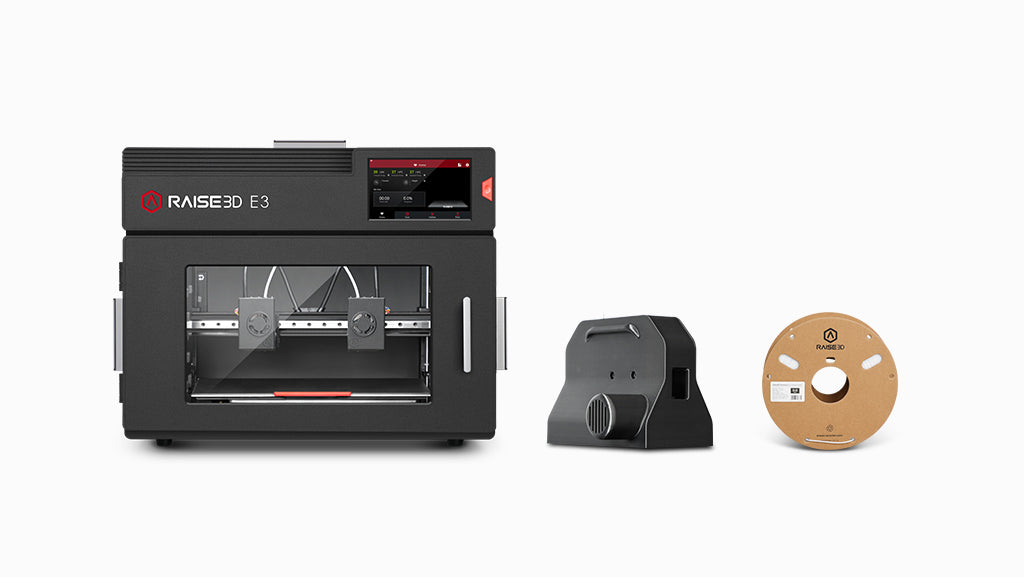
Essential E3 Package
|
Flex
Flexible Material Package
|
CF
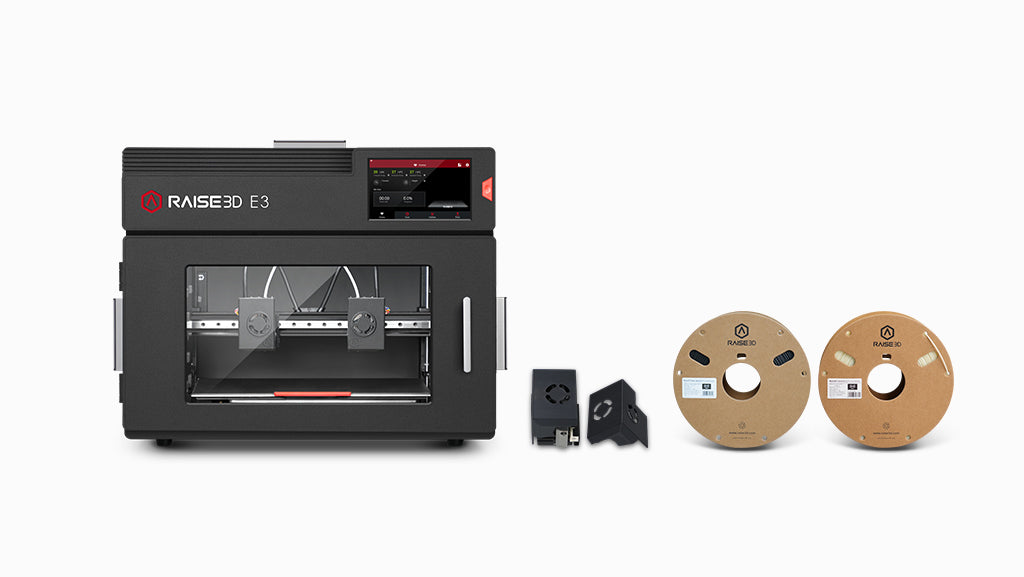
Composite Material Package
|
Full
Flex + Composite Package
|
|---|---|---|---|---|
| E3 Printer | ✓ | ✓ | ✓ | ✓ |
| Best For |
Professional Printing |
Flexible Parts |
Composite & Engineering Parts |
Maximum Material Versatility |
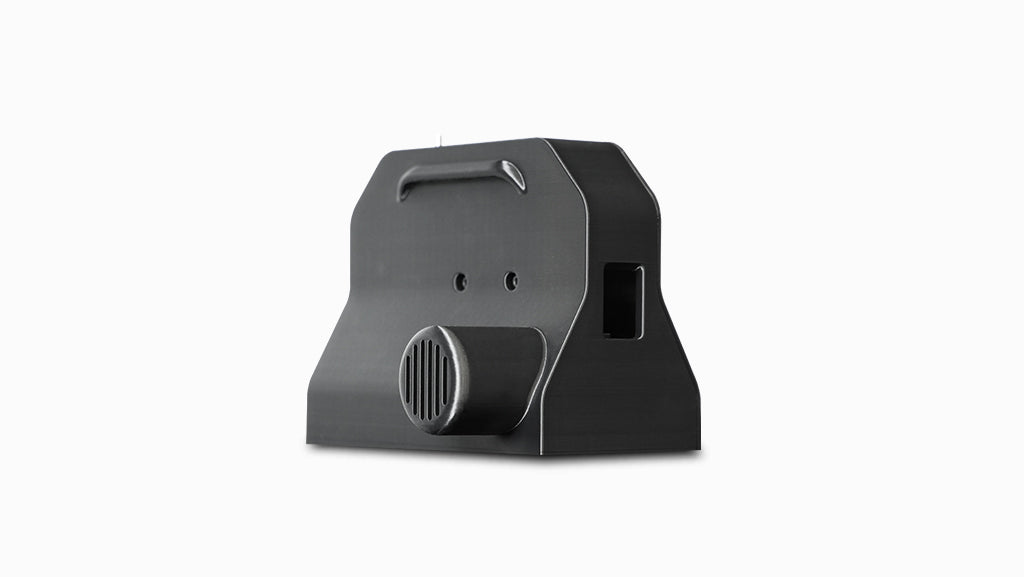
| Flexible Filament Feeder | — | ✓ | — | ✓ |
| SiC Composite Print Heads | — | — | ✓ | ✓ |
| Included Specialty Filaments | — | TPU-95A |
PET CF PET Support |
TPU-95A PET CF PET Support |
| Price | $2,499 Standard | $2,769 Flex Package | $3,129 CF Package | $3,399 Full Package |
All four packages use the same Raise3D E3 printer platform. Package differences are based on the included accessories, print heads, and specialty filaments.
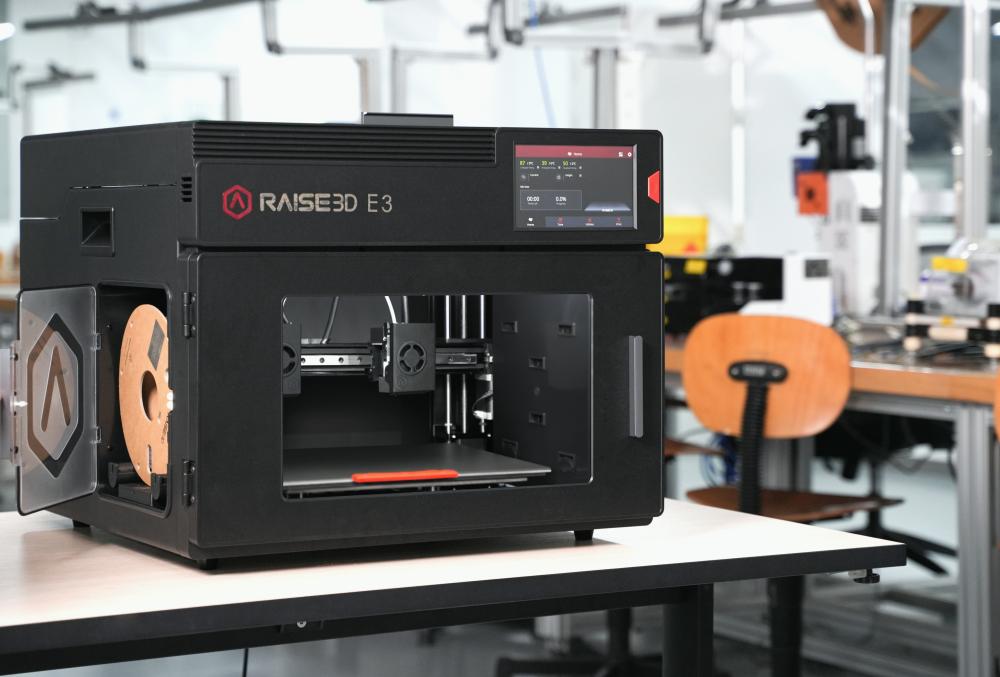
One IDEX platform. More ways to manufacture
Print Flexible
Reliable flexible filament printing for TPU and soft-material applications.
Print More
Independent dual extrusion expands dual-material, support-material, and production possibilities.
Print Engineering
Take on engineering and composite-material applications with expandable platform and more effective workflow.
E3 is built for a wider range of applications
One Printer. More Possibilities


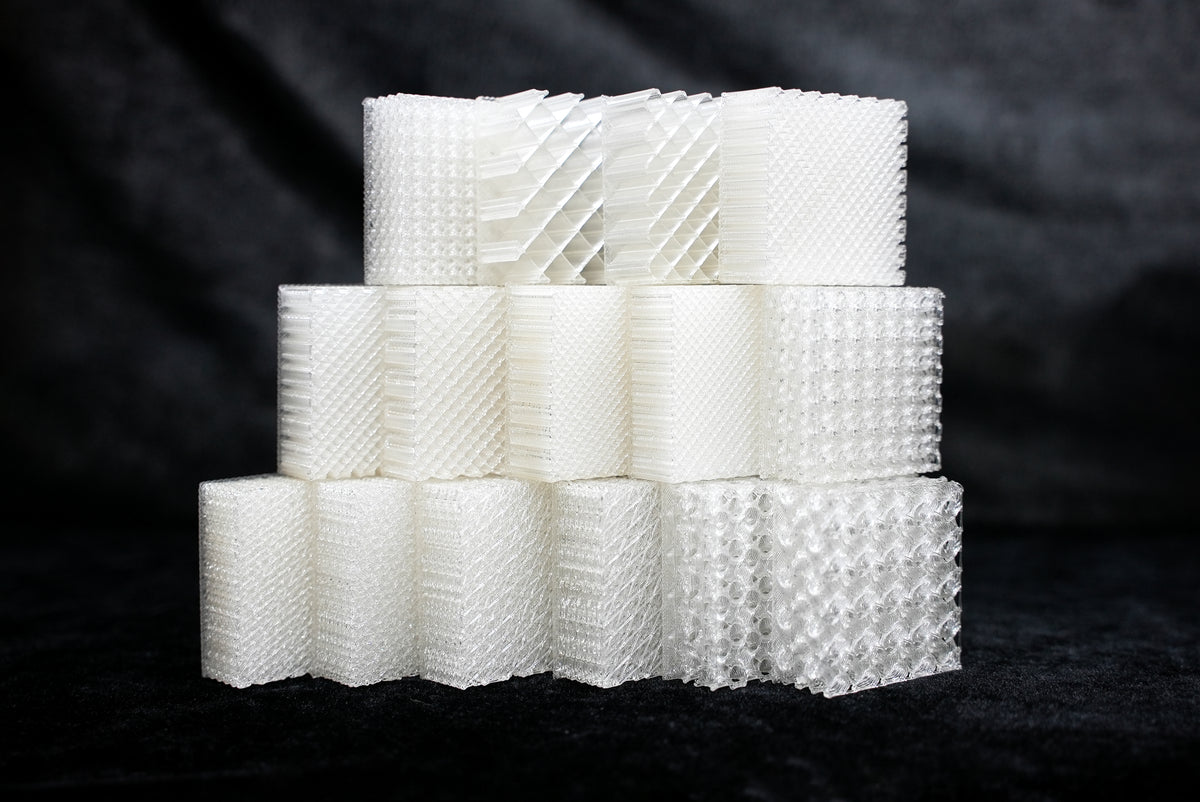
BUILT FOR FLEXIBLE MATERIALS
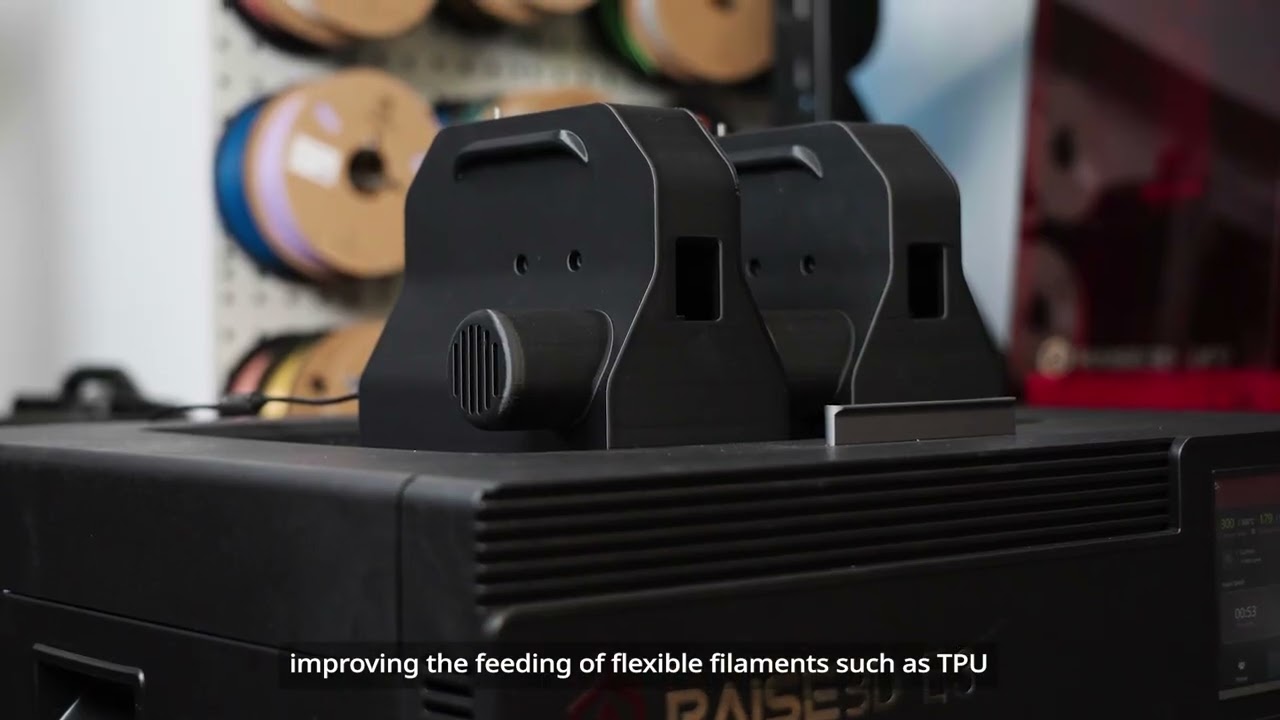
E3 is designed for reliable flexible-material printing, with a shorter filament feeding path that helps improve feeding stability for TPU and other flexible filaments.
Shorter Feeding Path
Helps reduce feeding resistance for flexible filaments.
Reliable TPU Printing
Designed for more stable and consistent flexible-material printing.
More Flexible Applications
Create flexible prototypes, functional components, protective parts, and more.
IDEX Printing
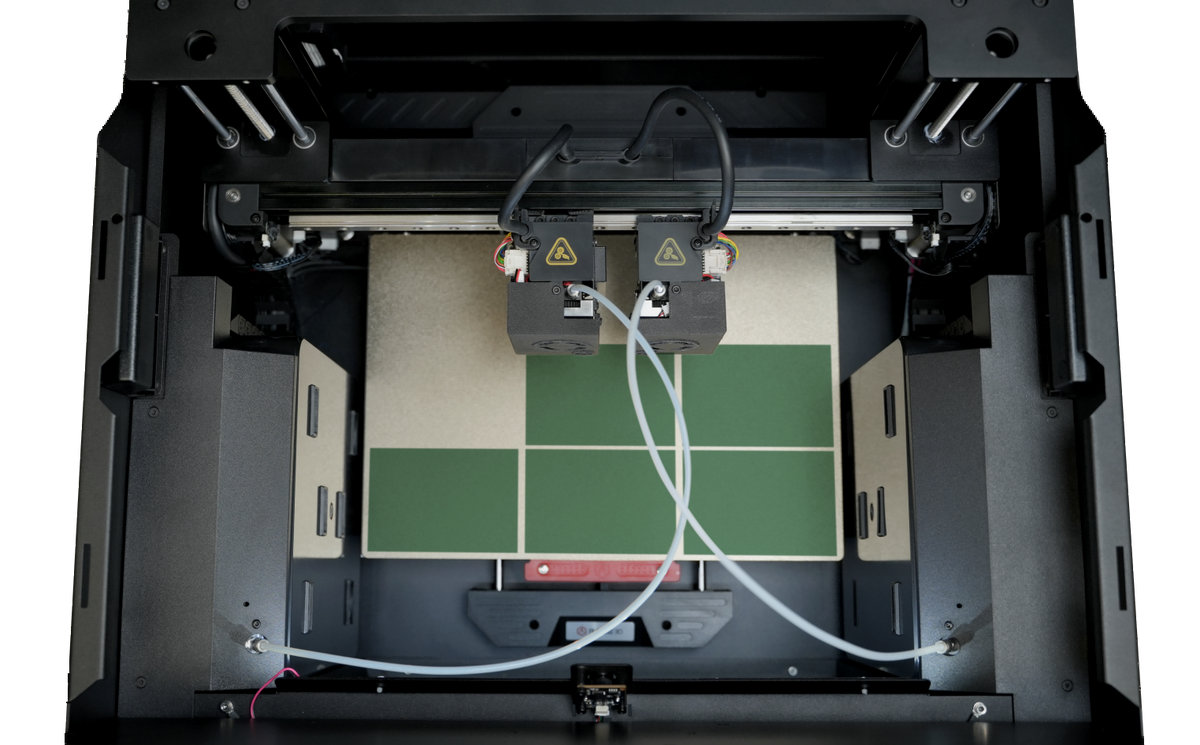
IDEX (Independent Dual Extrusion) goes beyond conventional dual-extruder printing to create a more efficient production workflow.
Independent print heads enable Duplication and Mirror modes to increase throughput and shorten production cycles, while flexible dual-material printing supports complex prototypes, functional parts, and small-batch manufacturing.


Related Videos
FAQ
Use this text to share information about your product or shipping policies.
Can the Raise3D E3 print TPU?
Yes. E3 is designed to support flexible-material printing, including TPU applications. Its shorter filament feeding path is designed to help improve feeding stability when printing flexible filaments.
What materials can E3 print?
Standard Materials
PLA · ABS · ASA · PETG · PC
Flexible Materials
TPU · TPE · TPU 95A–80A*
Engineering & Composite Materials
PPA CF · PPA GF · PET CF · PET GF · PETG CF · PPS CF · PA12 CF+
Support Materials
PVA+ · PET Support · PPA Support
*Flexible-material compatibility may depend on the E3 configuration and Flexible Filament Auxiliary Feeder. Composite-material printing may require the appropriate print-head configuration.
View Raise3d Filaments
Does E3 include a warranty?
Yes. E3 includes a 1-Year Limited Warranty.
Is E3 suitable for professional and production applications?
Yes. E3 is designed for applications including functional prototypes, manufacturing tools, flexible components, and end-use parts.
Its IDEX architecture and material capabilities make it suitable for users who need more than basic prototyping.