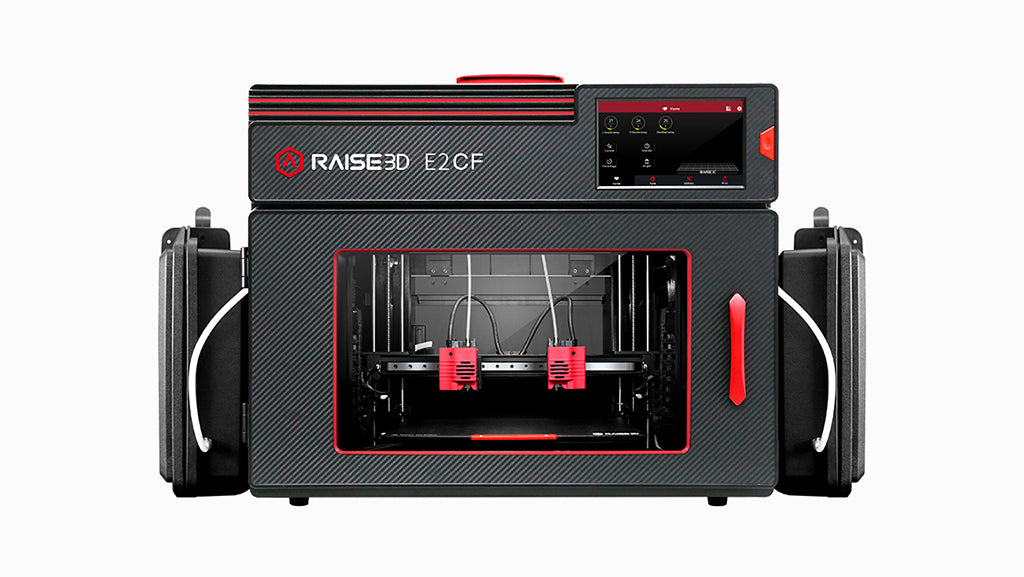
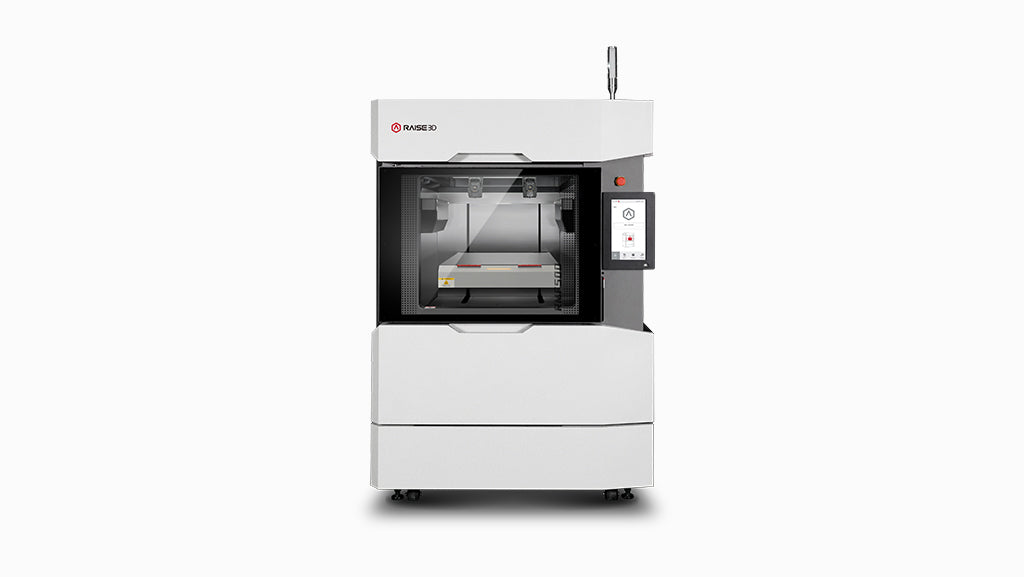
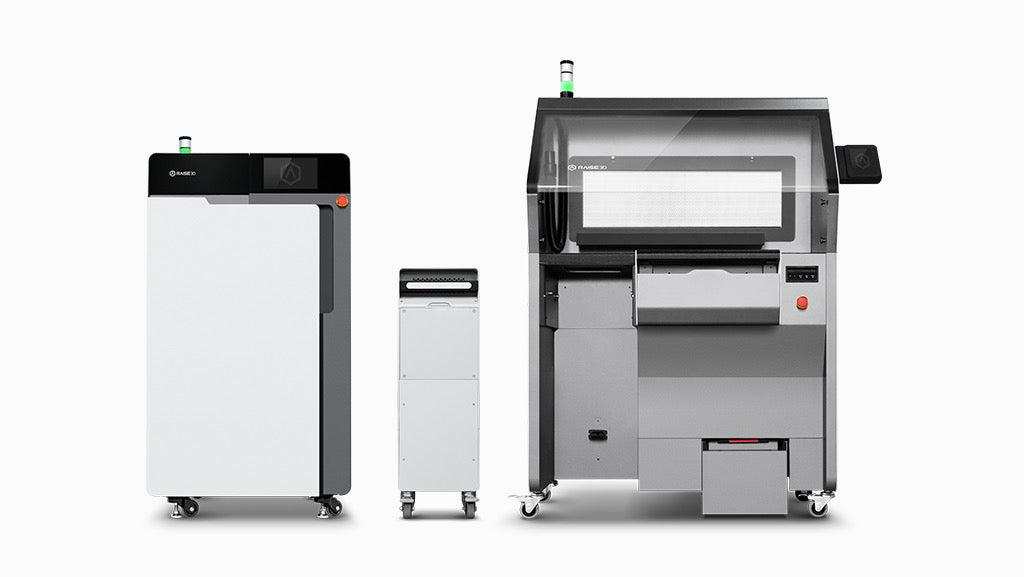

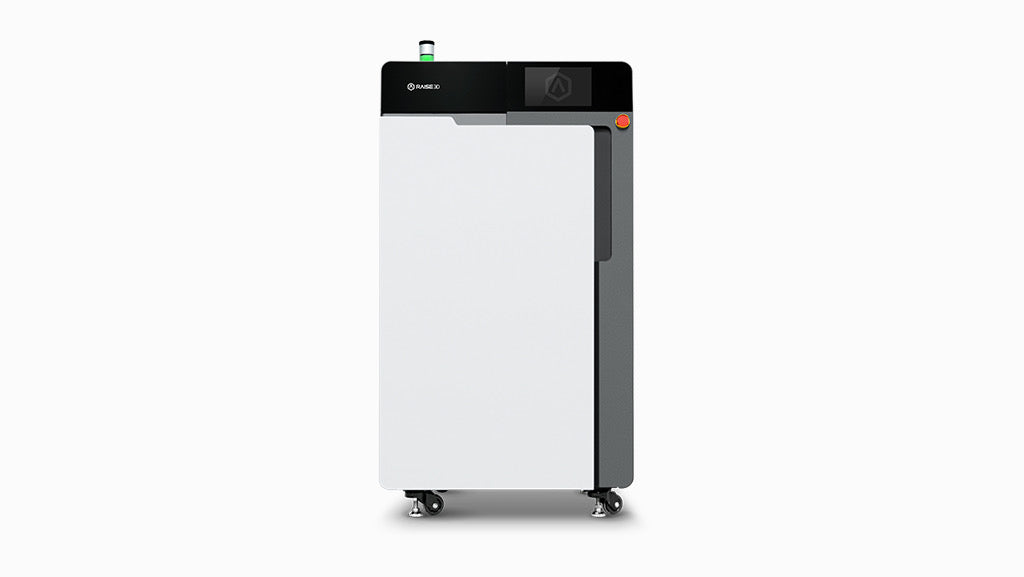
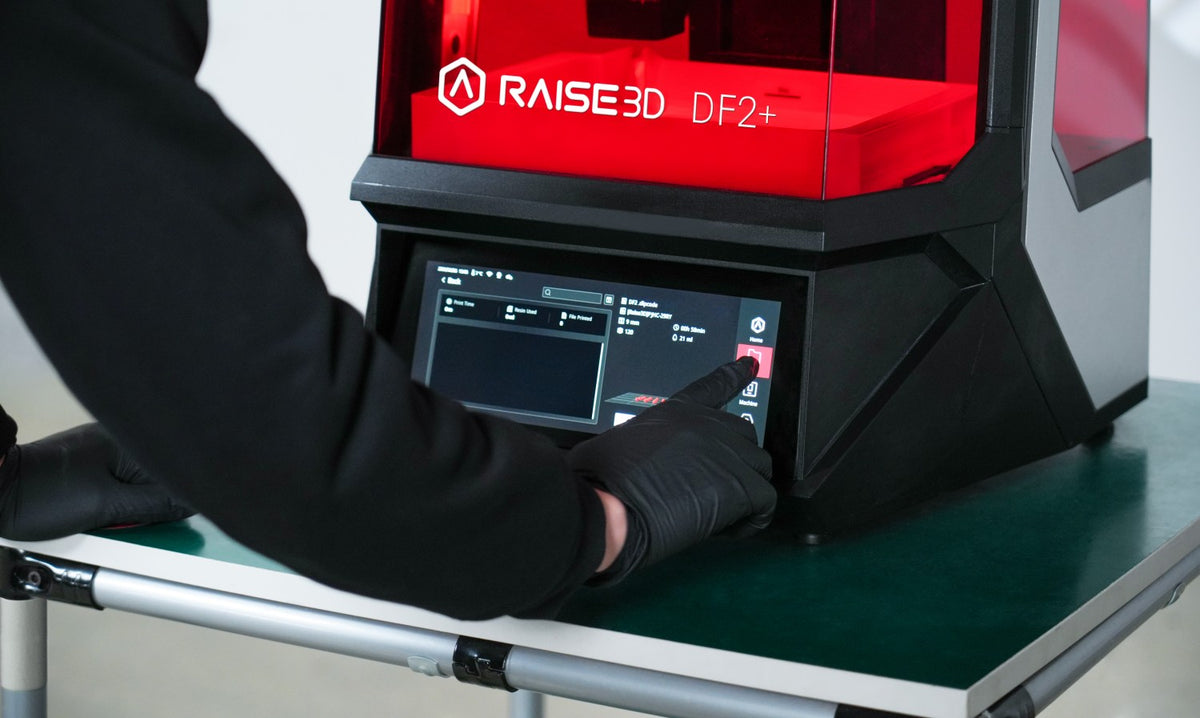
Raise3D DF2&DF2+ Series Printer
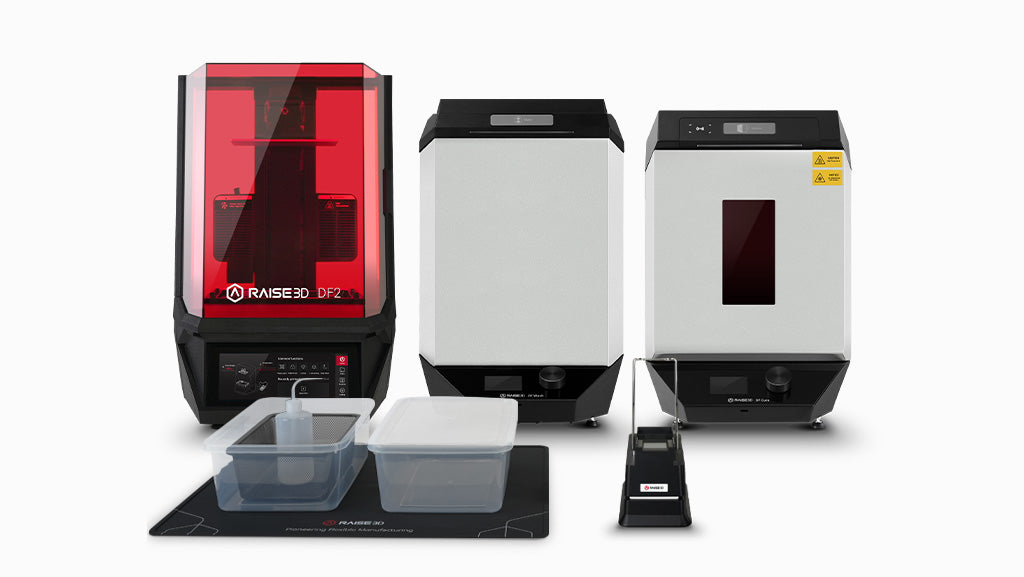
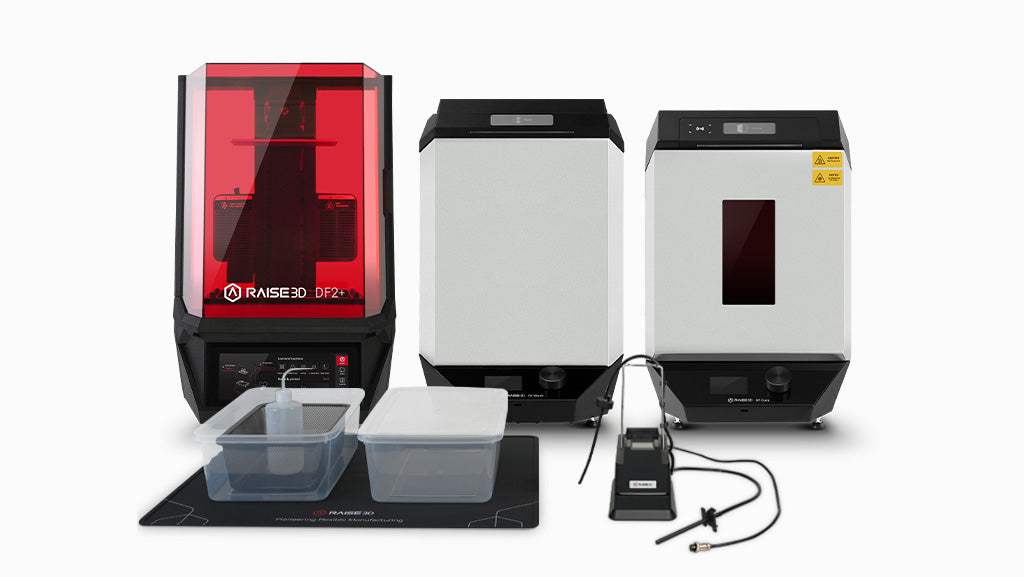
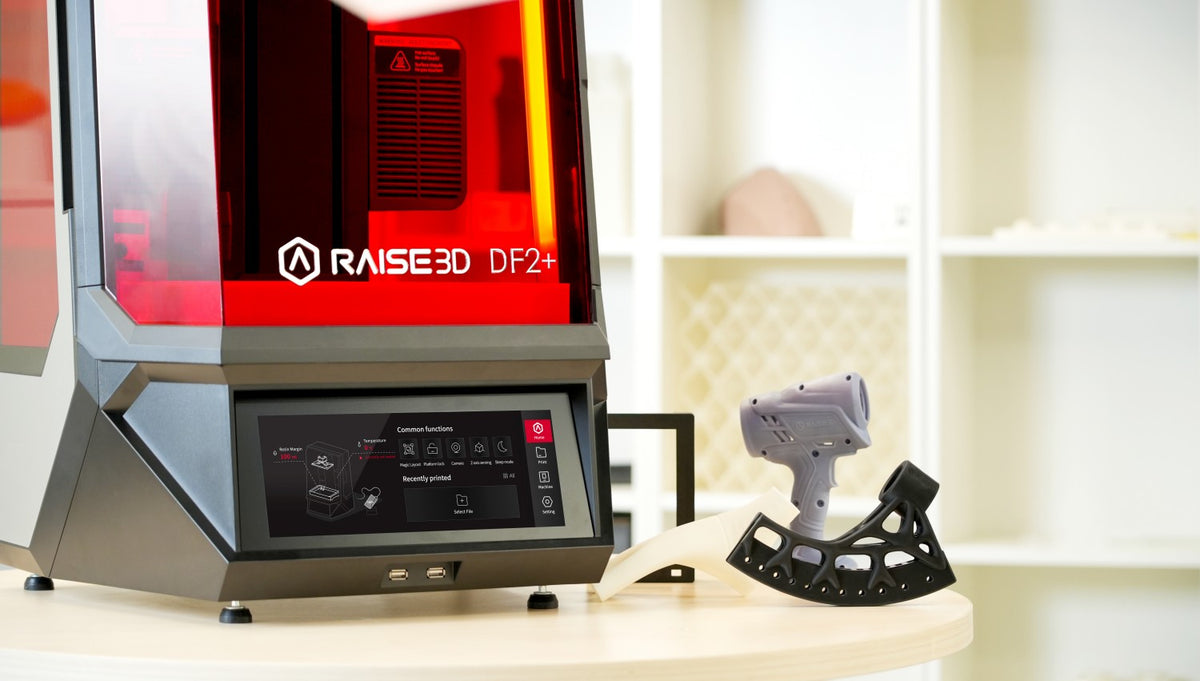
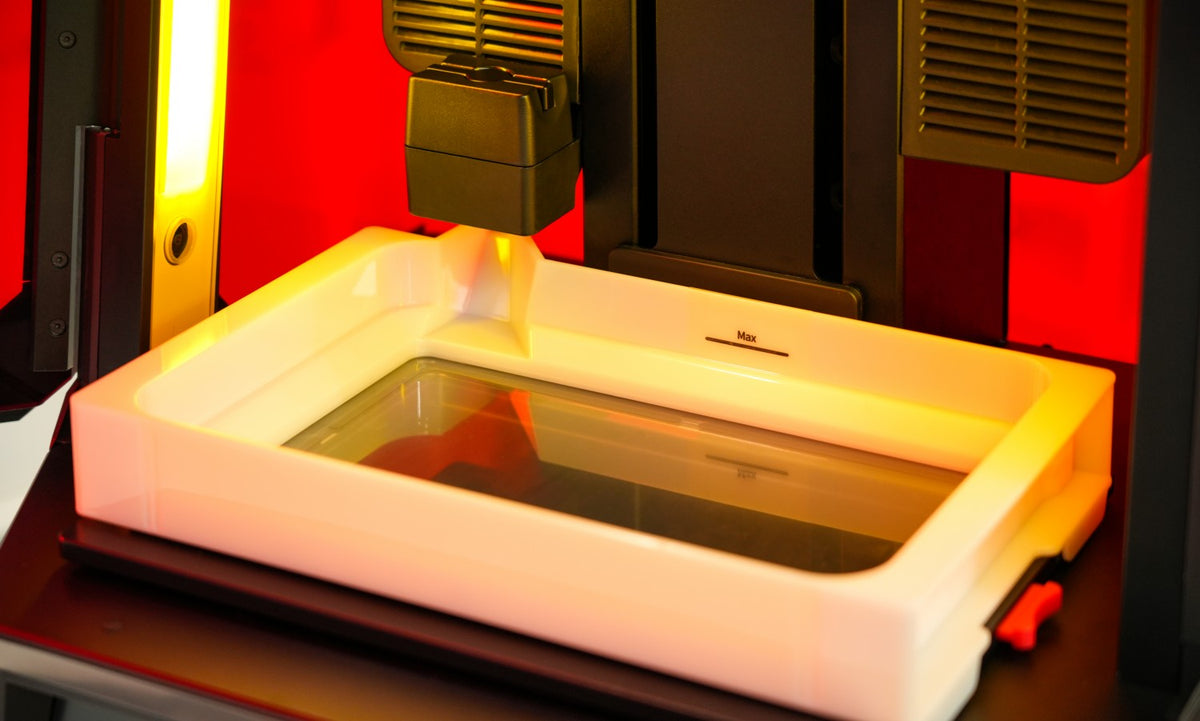
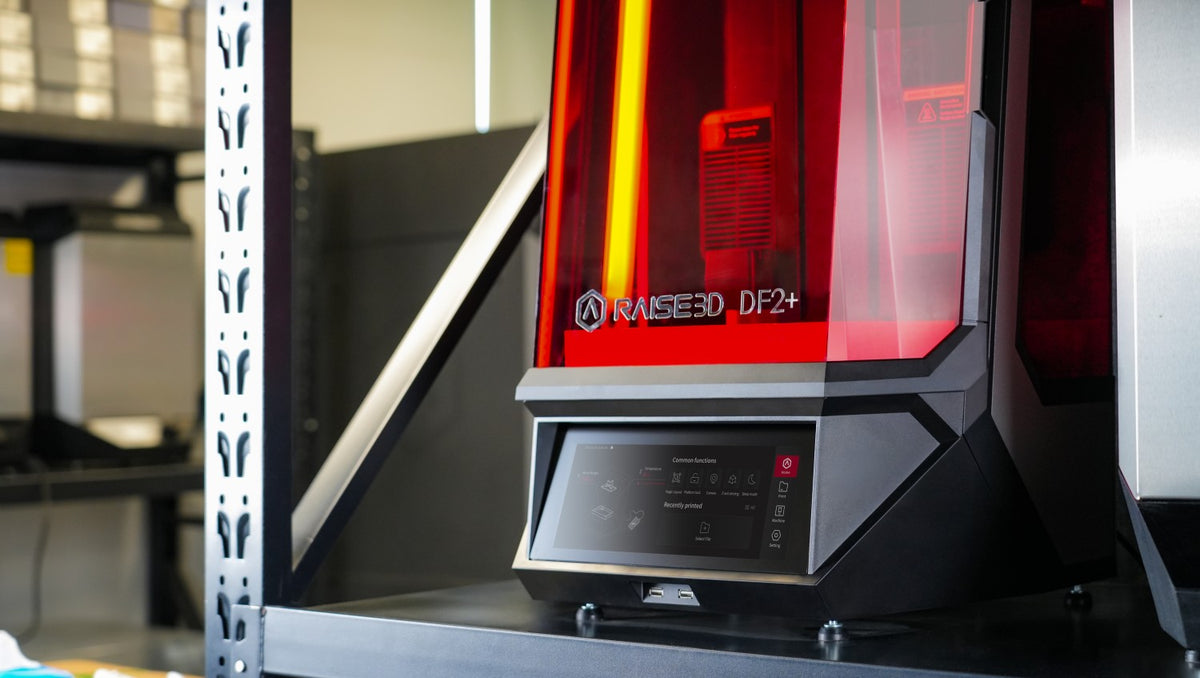
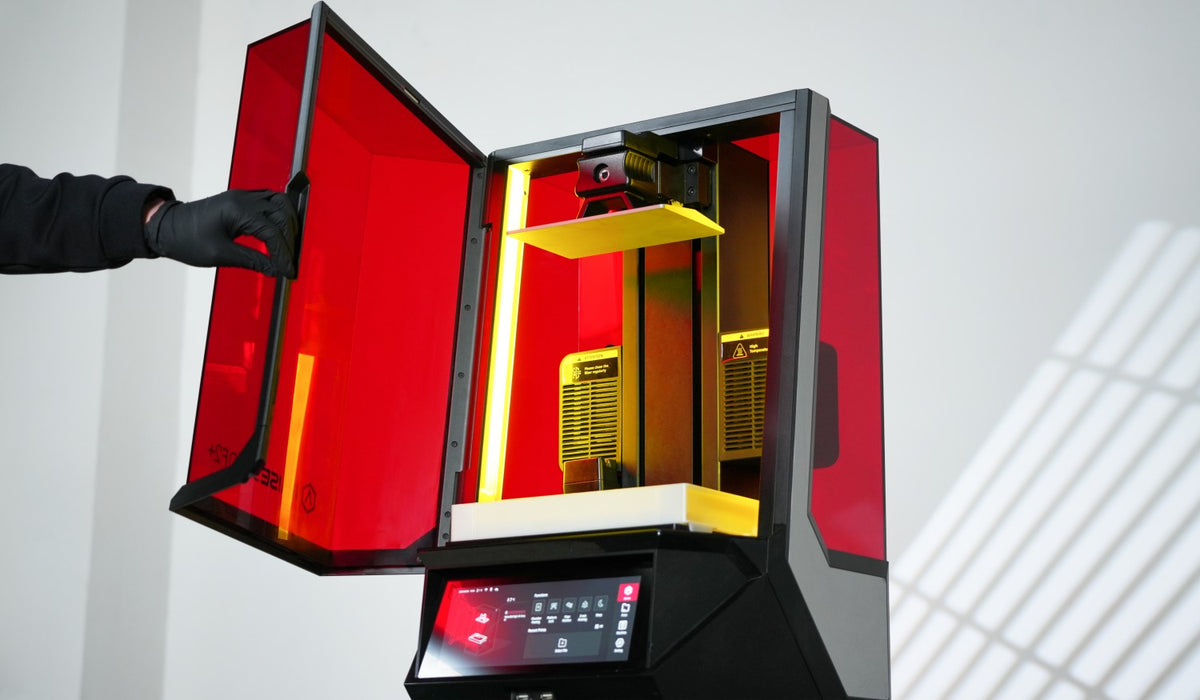
Create detailed resin prototypes and low-volume parts with the DF2 and DF2+ professional DLP platform. A 200 × 112 × 300 mm build volume, engineering resins and RFID smart build plates connect printing with DF Wash and DF Cure for a cleaner, traceable Print → Wash → Cure workflow.

Shop With Confidence!
- For delivery of the USA, expedited delivery availability (additional cost may apply), or additional questions, please contact sales@raise3d.com or +1-888-963-9028.
- The shown price excludes tax, which will be calculated during check out.



Product Support

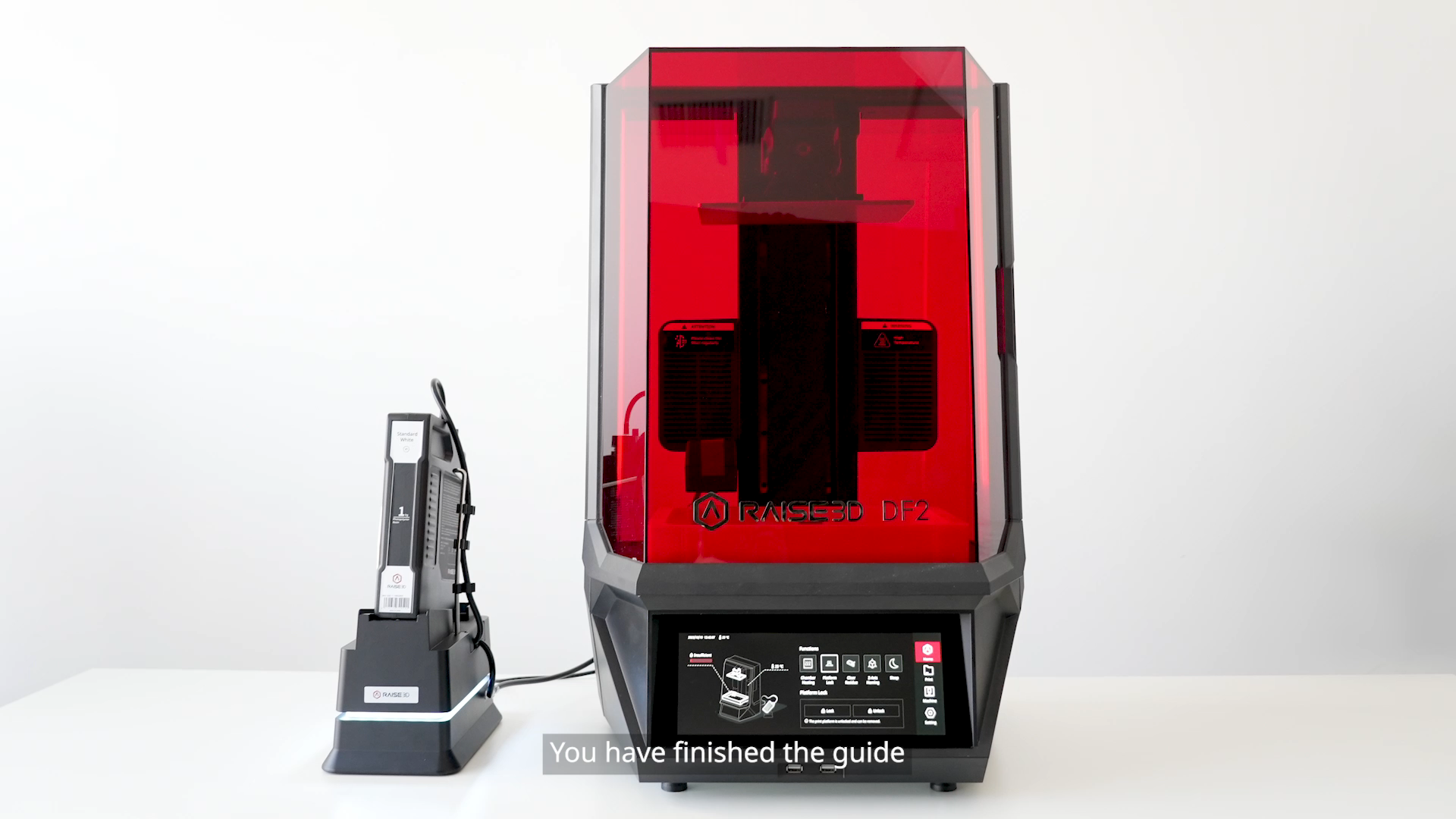
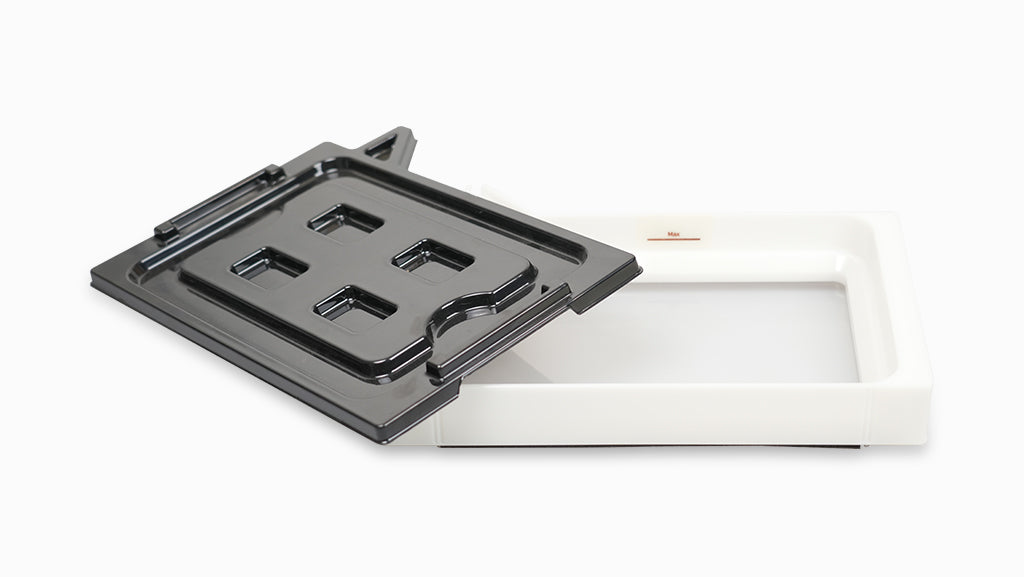
Step 1:UnpackCut straps and tape on the printer box; remove the quick-start guide, region-specific power cord, and toolbox. With help, lift the printer from the foam. Unpack the auto-feeding station and finish box using the same method.Step 2:Install TrayAssemble the auto-feeding station: connect the pump hoses, install the pump onto the designated bracket of the auto-feeding station, attach the resin-container cap fitted with the intake straw, secure all hoses and clips, and connect the cable.Step 3:CalibratePlace the feeding station beside the printer, insert the resin supply tube firmly into the printer’s inlet until it is secure, and connect the station cable to the rear panel.Step 4:Start PrintPlug in the power cord and flip the power switch on the printer. Follow the startup wizard for initial setup. Use the finish box for manual resin cleaning if needed, then begin printing.
Step 1:UnpackCut straps and tape on the printer box; remove the quick-start guide, region-specific power cord, and toolbox. With help, lift the printer from the foam. Unpack the auto-feeding station and finish box using the same method.Step 2:Install TrayAssemble the auto-feeding station: connect the pump hoses, install the pump onto the designated bracket of the auto-feeding station, attach the resin-container cap fitted with the intake straw, secure all hoses and clips, and connect the cable.Step 3:CalibratePlace the feeding station beside the printer, insert the resin supply tube firmly into the printer’s inlet until it is secure, and connect the station cable to the rear panel.Step 4:Start PrintPlug in the power cord and flip the power switch on the printer. Follow the startup wizard for initial setup. Use the finish box for manual resin cleaning if needed, then begin printing.
Yes, you can track your order. Once your shipping label is created, our website will automatically notify you with the tracking number.
For parcel shipments (via UPS or FedEx), you can track the shipment directly using the tracking number provided.
For printer orders (which are heavy and shipped via LTL Freight), tracking information will be shared once the shipment is arranged. We will provide the carrier name and PRO number (tracking number).
You can track your printer by searching the carrier name and PRO number on Google or the carrier’s website.
If you leave your email address with your order and request tracking updates, we will also send a real-time tracking link to your email.
We currently ship to all 48 contiguous U.S. states. For most U.S. addresses, you can place your order directly through our website.
For shipments to Alaska, Hawaii, or U.S. territories (such as Puerto Rico), additional shipping arrangements may be required. Please contact us before placing your order.
For shipments to Canada or Mexico, please email us or reach out to your sales representative for assistance.
Shipping rates for UPS and FedEx are automatically calculated by our system based on the weight and dimensions of the items in your order.
Orders over $99 qualify for free shipping.
For printers and cabinets, the base shipping fee is $250 per unit when delivered to a commercial address.
Additional fees may apply based on the delivery location and unloading conditions:
- Residential addresses, schools, universities, hospitals, or any location with limited access will incur a Limited Access Delivery Fee.
- If the receiving location does not have a loading dock or forklift, a Liftgate Service Fee will be added to allow the shipment to be unloaded safely from the truck.
Please ensure the delivery location is appropriately equipped to avoid unexpected charges or delays.

Choose the Right DF2 for Your Workflow
| Category | Printer | DF2 | DF2+ |
|---|---|---|---|
| Printer Hardware | Print Technology | Digital Light Printing (DLP) | Digital Light Printing (DLP) |
| Build Size (W × D × H) | 200 × 112 × 300 mm (7.87 × 4.41 × 11.8 in) | 200 × 112 × 300 mm (7.87 × 4.41 × 11.8 in) | |
| XY Resolution | 2560 × 1440 | 2560 × 1440 | |
| Max Part Weight | 10 kg | 10 kg | |
| Max Printing Speed* | 80 mm/h (0.2 mm/layer) | 100 mm/h* | |
| Layer Height | 50–200 micron | 50–200 micron | |
| Resin Management | Auto Resin Feeding, Resin Level Detection, Resin Confirmation | Auto Resin Feeding; Real-time/Ultrasonic Resin Level Monitoring; Resin Confirmation | |
| Control Panel | Touchscreen (1920 × 720 resolution) with Magic Layout for easy print layout adjustments and quick duplication of prints | Touchscreen (1920 × 720 resolution) with Magic Layout for easy print layout adjustments and quick duplication of prints | |
| RFID Workflow | Records resin type and Print/Wash/Cure settings | Resin verification + automatic Print/Wash/Cure profile application | |
| Level Calibration | Calibrated in factory | Calibrated in factory | |
| Chamber Heating | Max 40°C (104℉) | Max 40°C (104℉) | |
| Light Source* | Standard DF2 light source | Doubled light source intensity for faster curing | |
| Optical Features* | Industrial-grade optical design | Enhanced optical features for improved performance | |
| Release Film* | High-transparency nFEP film | Optimized HTF film for extended reliability and consistency | |
| Material Compatibility* | Raise3D resins + Open Material Program | Expanded material compatibility, including more high-performance industrial resins | |
| Production Focus* | Engineering prototyping, manufacturing aids, and low-volume production | Faster prototyping and small-batch manufacturing with higher throughput | |
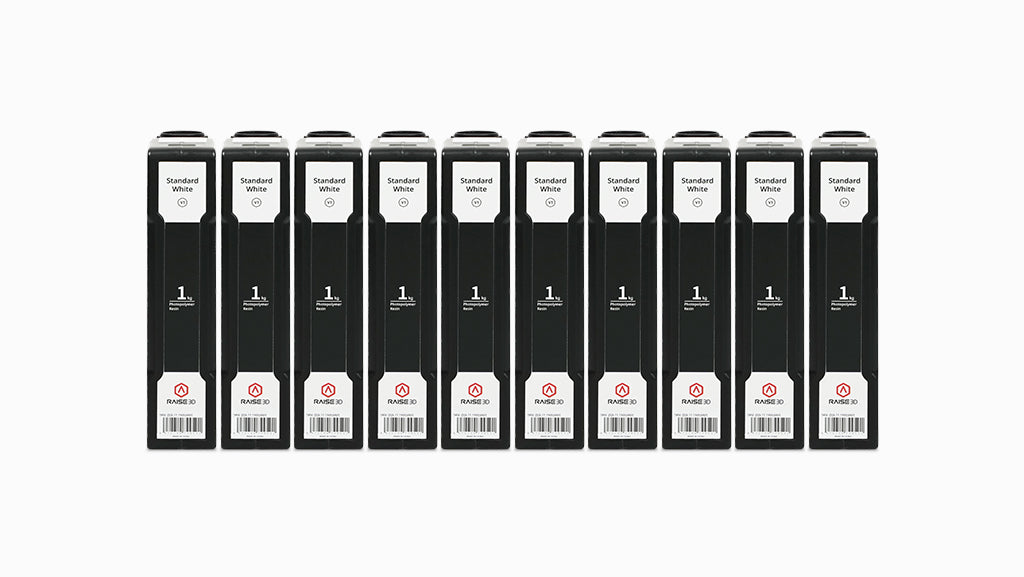
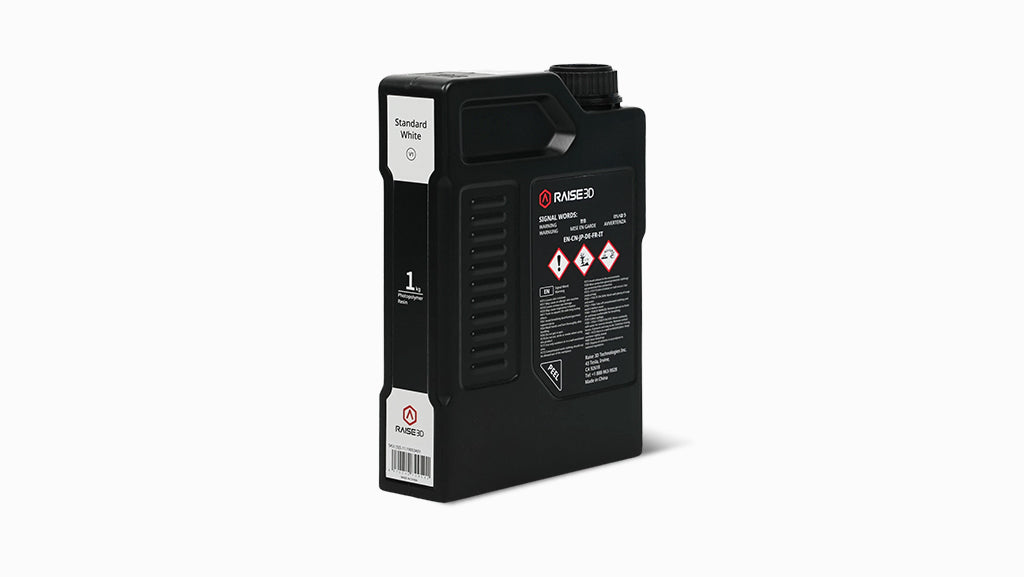
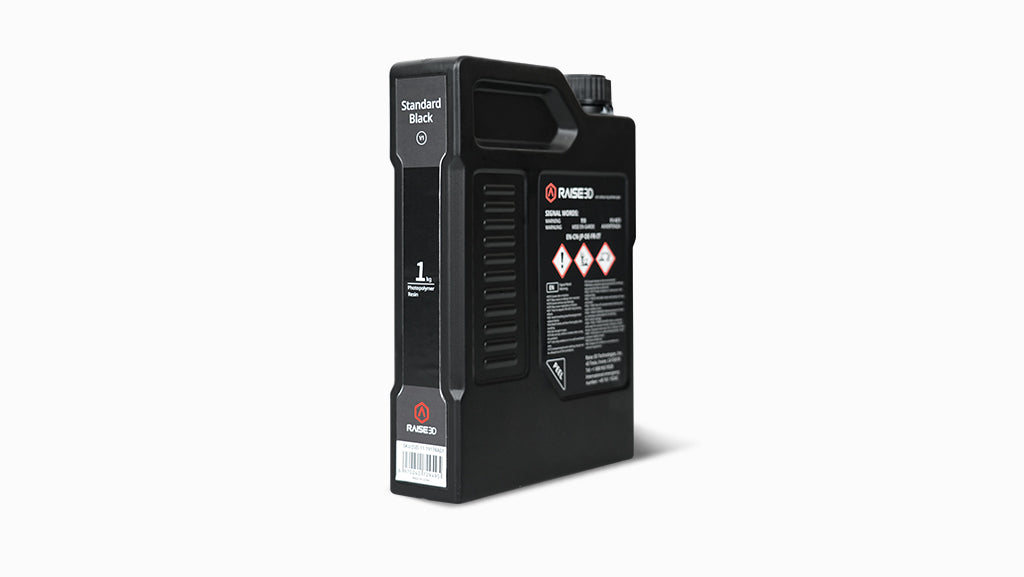
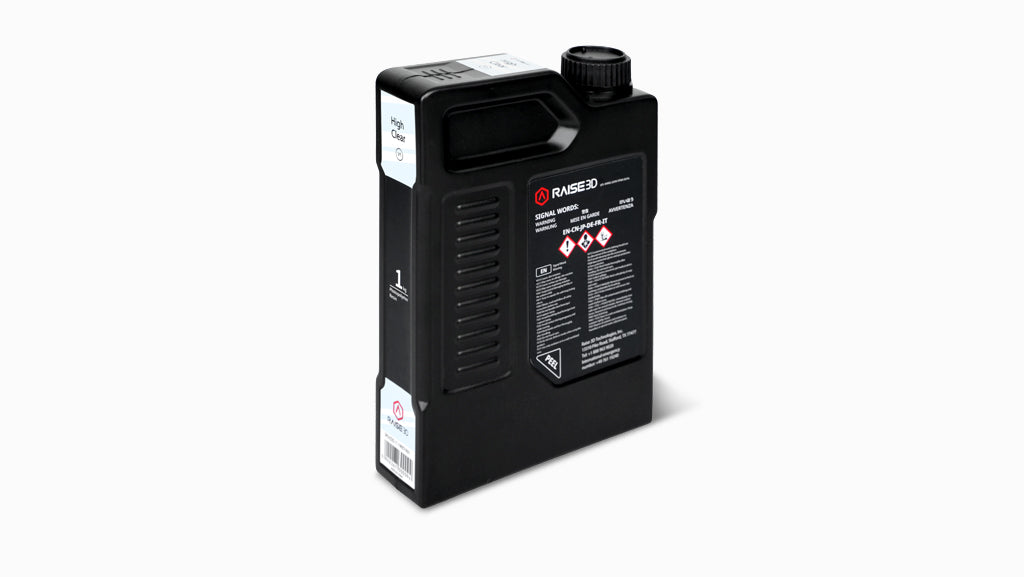
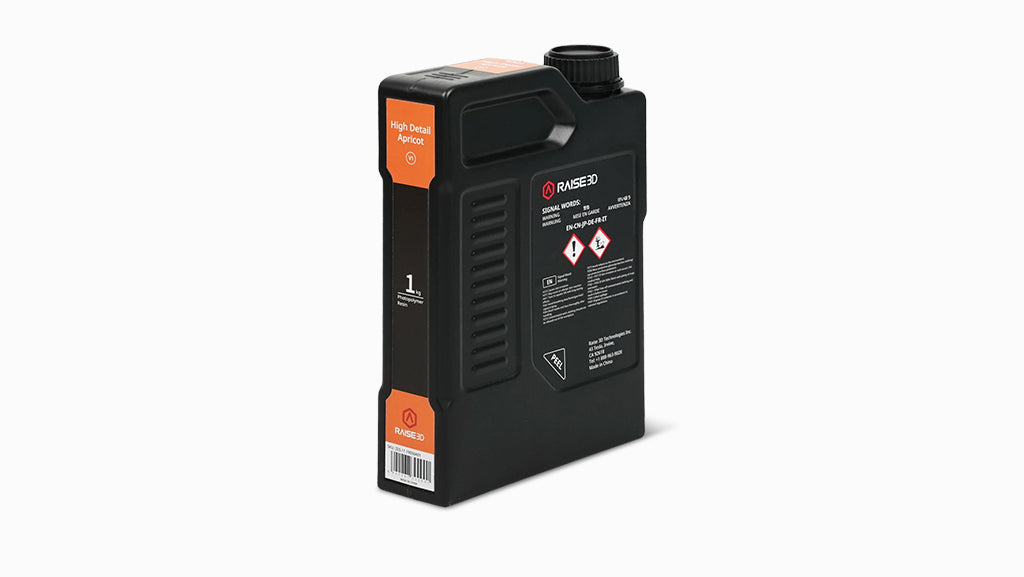
| Resins | Raise3D Resins* | Raise3D Standard White Resin, Raise3D High Detail Apricot Resin, Raise3D Tough 2K Grey Resin, Raise3D Rigid 3K Grey Resin, Raise3D High Clear Resin, Raise3D Draft Grey Resin, Raise3D High Temperature Resin | Raise3D Standard White Resin, Raise3D High Detail Apricot Resin, Raise3D Tough 2K Grey Resin, Raise3D Rigid 3K Grey Resin, Raise3D ESD Resin, Raise3D High Clear Resin, Raise3D Draft Grey Resin, Raise3D Standard Black Resin; Raise3D High Temperature Resin |
| OMP* (Open Material Program) | LOCTITE® 3D IND405™, LOCTITE® 3D PRO476™, LOCTITE® 3D 3843™, LOCTITE® 3D PRO410™, LOCTITE® 3D PRO417™; Ultracur3D® RG 3280, Ultracur3D® RG 1100 B, Ultracur3D® EL 60, Ultracur3D® EL 4000 | LOCTITE® 3D IND405™, LOCTITE® 3D PRO476™, LOCTITE® 3D 3843™, LOCTITE® 3D PRO410™, LOCTITE® 3D PRO417™, LOCTITE® 3D IND147™, LOCTITE® 3D IND 403™, LOCTITE® 3D IND5714™; Ultracur3D® RG 3280, Ultracur3D® RG 1100 B, Ultracur3D® EL 60, Ultracur3D® EL 4000, Ultracur3D® RG9400 B FR; Coming Soon: LOCTITE® 3D 3843 White™, LOCTITE® 3D Pro 9317™, LOCTITE® 3D 249 BK™, LOCTITE® 3D Pro 9499™ | |
| Software and Network | Connectivity | Wi-Fi, LAN, 2 × USB, Live Camera | Wi-Fi, LAN, USB port × 2, Live Camera |
| Network | Ethernet, Wireless 802.11 b/g/n | Ethernet, Wireless 802.11 b/g/n | |
| Slicing Software | ideaMaker (Features: Antialiasing; Auto Support; Auto Orientation; Auto Cross Section Analysis; Contour Compensation; Suction Cup Detection; Hollow; Drainage Hole; Texture Generation; Smaller Gcode Size) | ideaMaker (Features: Antialiasing; Auto Support; Auto Orientation; Auto Cross Section Analysis; Contour Compensation; Suction Cup Detection; Hollow; Drainage Hole; Texture Generation; Smaller Gcode Size) | |
| Remote Management Software | RaiseCloud | RaiseCloud | |
| Supported File Types | STL / OBJ / 3MF / OLTP | STL / OBJ / 3MF / OLTP / STP etc. | |
| Supported OS | Windows / macOS / Linux | Windows / macOS / Linux |
| Package Contents | DF2 Basic | DF2 Complete | DF2+ Basic | DF2+ Complete |
|---|---|---|---|---|
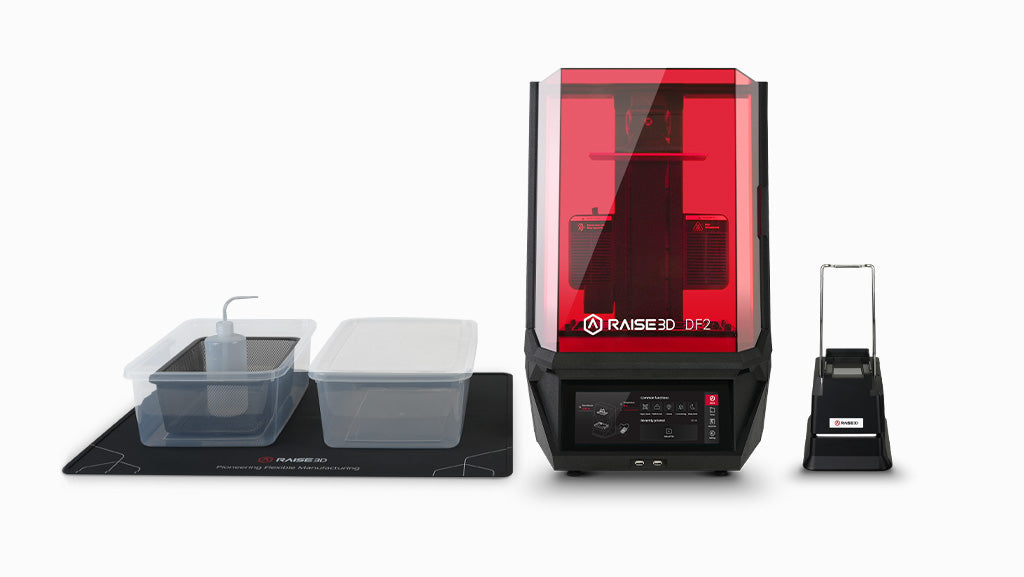
| DF2 Printer | ✓ | ✓ | — | — |
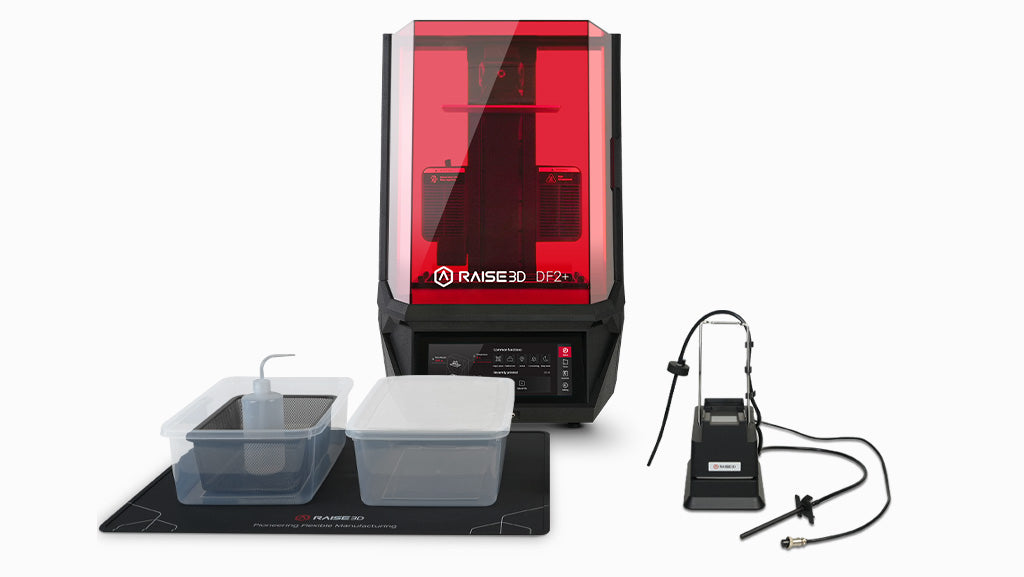
| DF2+ Printer | — | — | ✓ | ✓ |
| Resin Tank | ✓ | ✓ | ✓ | ✓ |
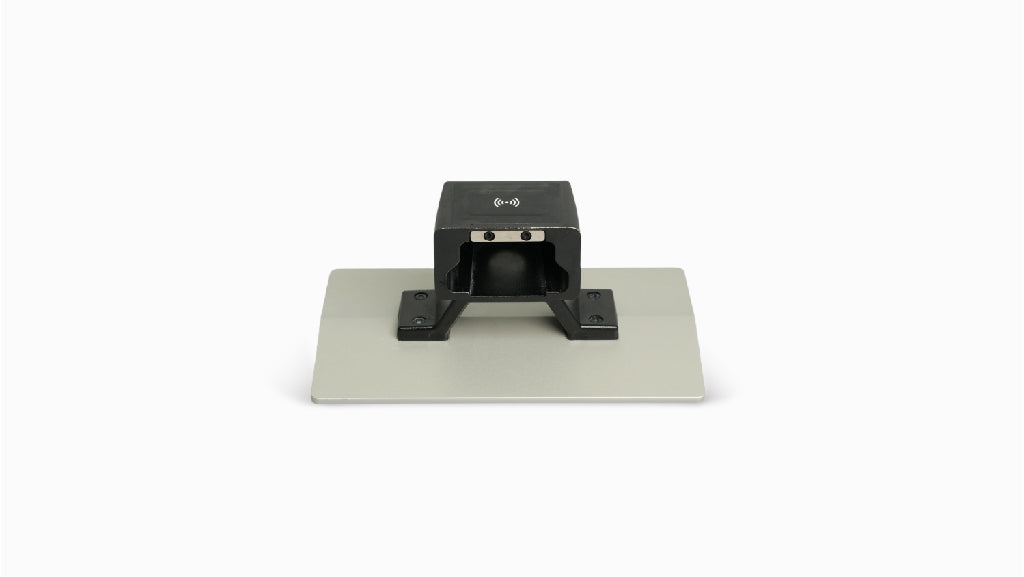
| Smart Build Plate | ✓ | ✓ | ✓ | ✓ |
| Auto Feeding Station | ✓ | ✓ | ✓ | ✓ |
| Tool Box | ✓ | ✓ | ✓ | ✓ |
| Finish Box | ✓ | ✓ | ✓ | ✓ |
| Waste Container | — | ✓ | — | ✓ |
| DF Wash | — | ✓ | — | ✓ |
| DF Cure | — | ✓ | — | ✓ |
| ideaMaker Slicing Software | ✓ Free | ✓ Free | ✓ Free | ✓ Free |
| Resins | Not included | Not included | Not included | Not included |
| Warranty | 1 Year | 1 Year | 1 Year | 1 Year |
| Total Value | $2,499 | $5,497 | $4,999 | $7,997 |
| Price Now | $2,499 | $3,999 | $4,999 | $7,997 |
| Package Set Save | — | $1,498 | — | — |
A More Consistent Workflow from Print to Finished Part
Connect printing, washing and curing in one streamlined workflow designed to reduce manual setup and improve process consistency.
Connected Workflow
Validated settings move through the printing and post-processing workflow.
Less Manual Setup
Reduce repetitive setup between printing, washing and curing.
More Consistent Results
Standardize post-processing for repeatable professional parts.

Video
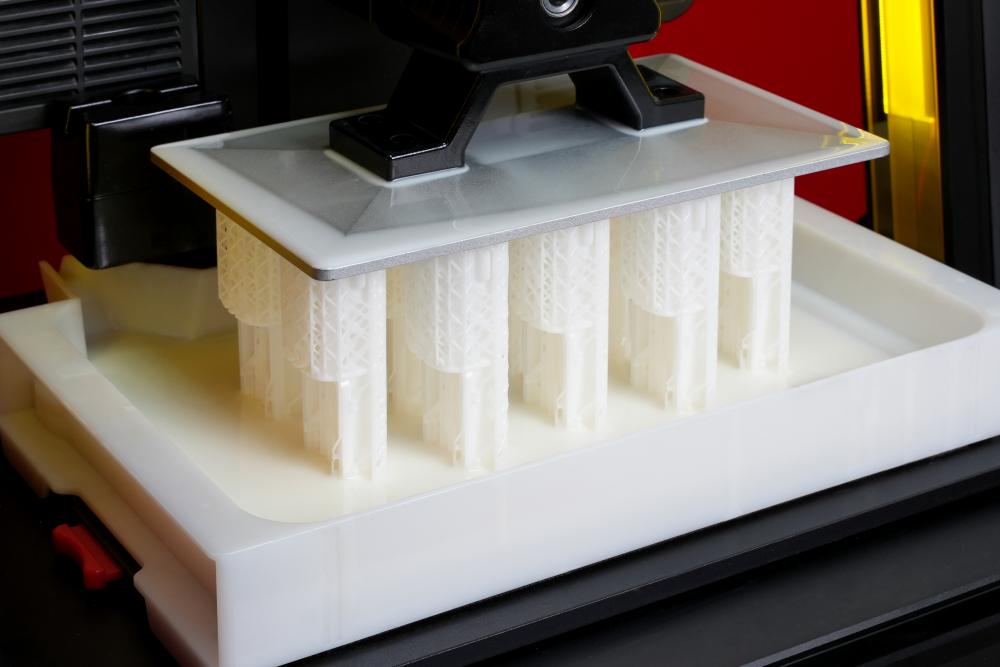
DF2+ Upgrade Value
DF2+ builds on the DF2 platform with higher print speed, enhanced optical performance and expanded material capabilities for more demanding workflows.
Faster Print Cycles
Up to 100 mm/h for faster prototyping and higher-throughput workflows.
Enhanced Optical Performance
Improved light-source and optical performance for demanding production requirements.
Expanded Industrial Materials
Broader material compatibility for professional and industrial resin applications.
Built For Your Next Idea
Choose Your Configuration

Functional Prototype

Jigs & Fixtures

End-Use Part
Match the Resin to the Application
Start with the performance requirement, then choose a validated Raise3D or Open Material Program resin for the DF2&DF2+ workflow
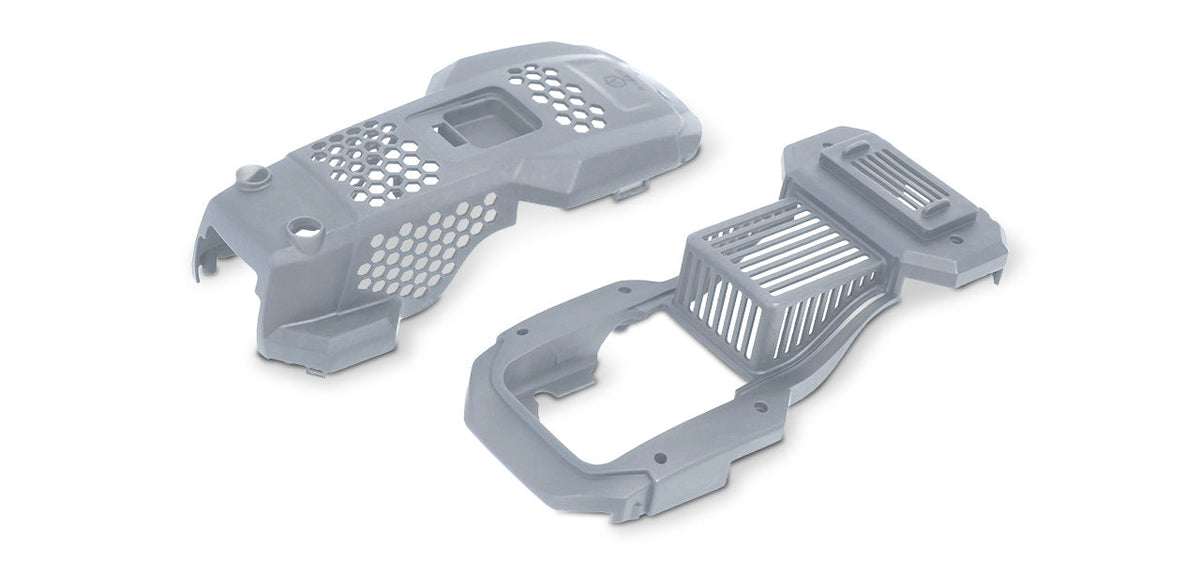
Impact / Toughness
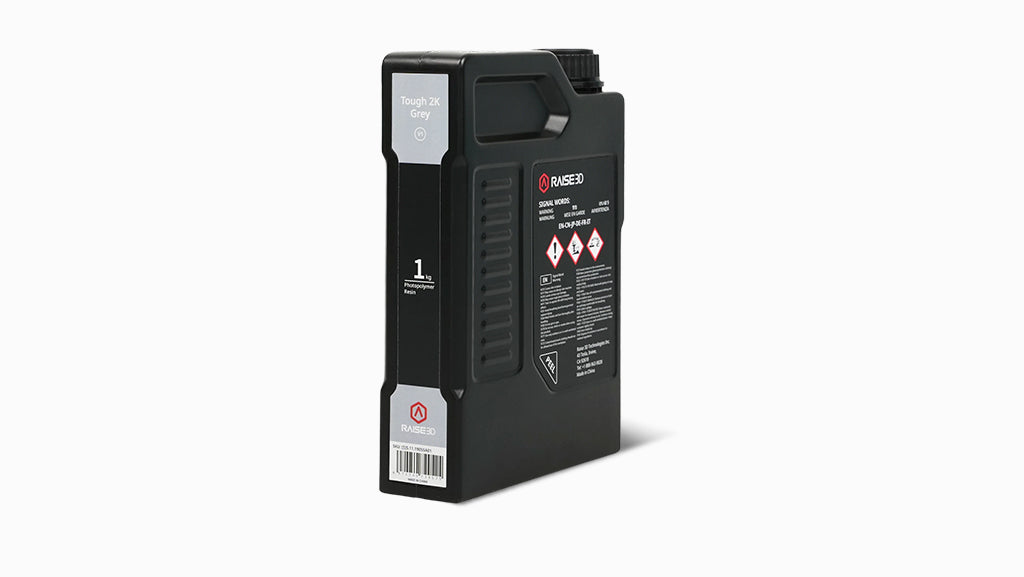
Raise3D Tough 2K Grey Resin
Key Material Properties
Tensile strength: 45 MPa; elongation at break: 35%; notched Izod impact: 31 J/m; HDT: 68°C @ 0.45 MPa
Typical Applications
Strong functional prototypes, jigs and fixtures, manufacturing aids, housings, enclosures and validated end-use applications
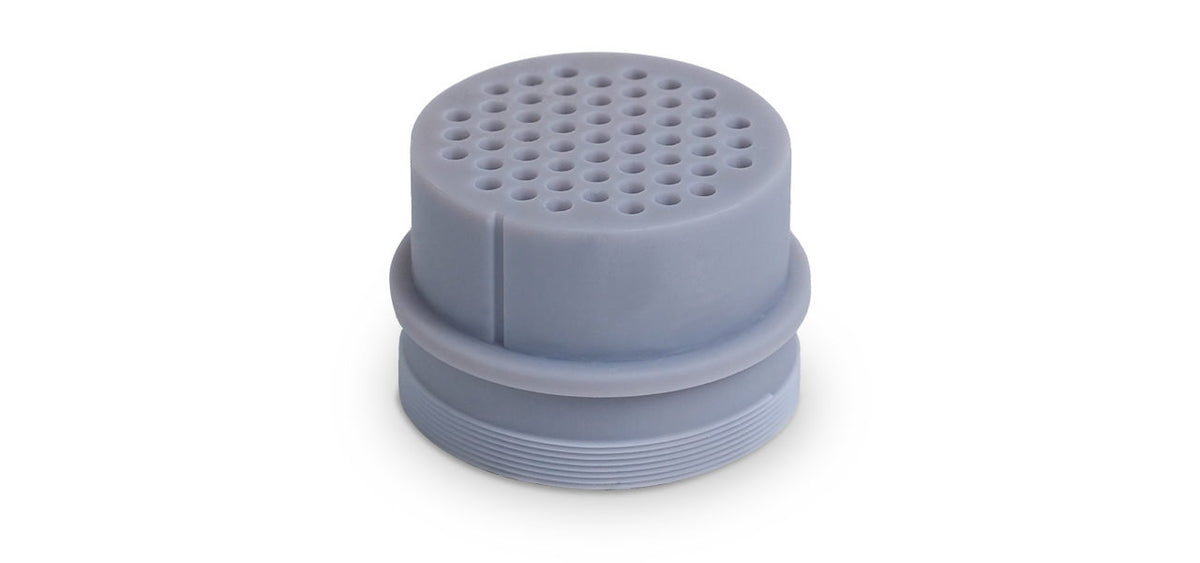
Rigidity / Heat
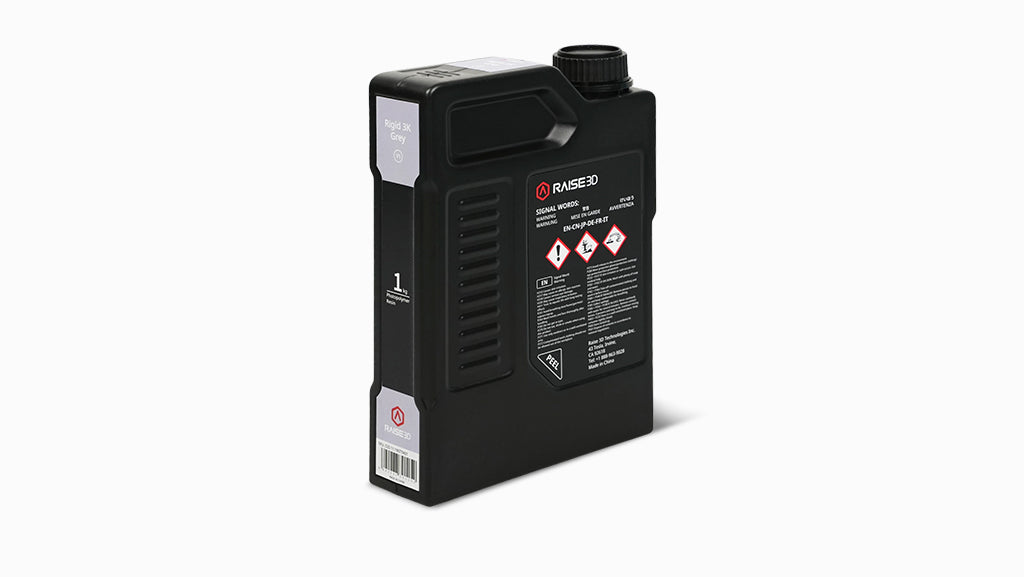
Raise3D Rigid 3K Grey Resin
Key Material Properties
Tensile strength: 78 MPa; Young’s modulus: 3,263 MPa; notched Izod impact: 30 J/m; HDT: 97°C @ 0.45 MPa
Typical Applications
Rigid prototypes, thin-wall parts, jigs and fixtures, connectors, mounts and brackets
ㅤㅤㅤㅤ
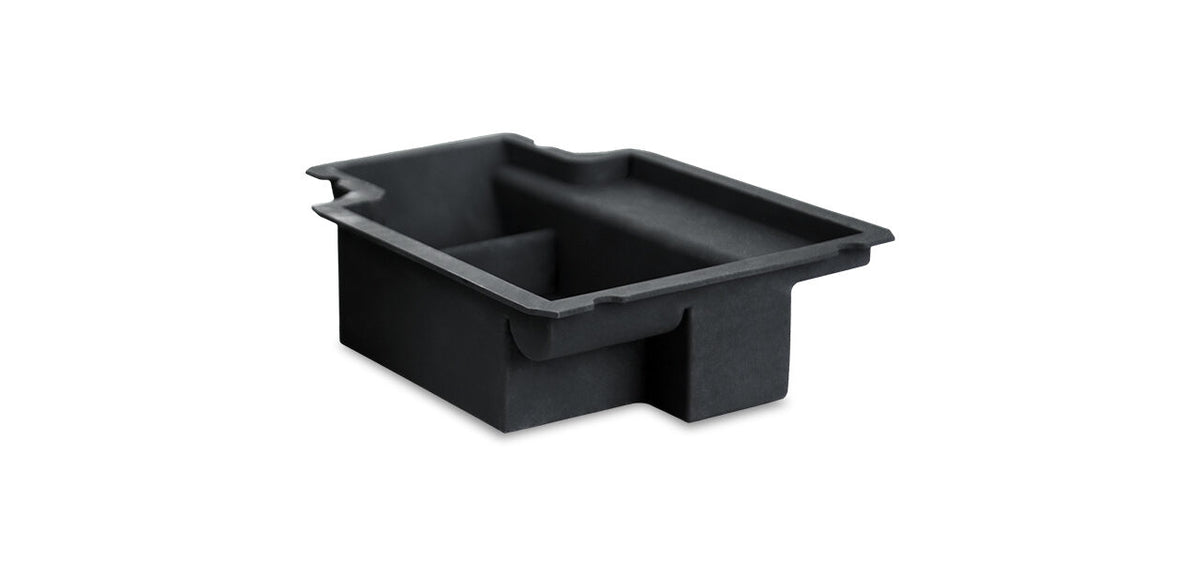
ESD Protection
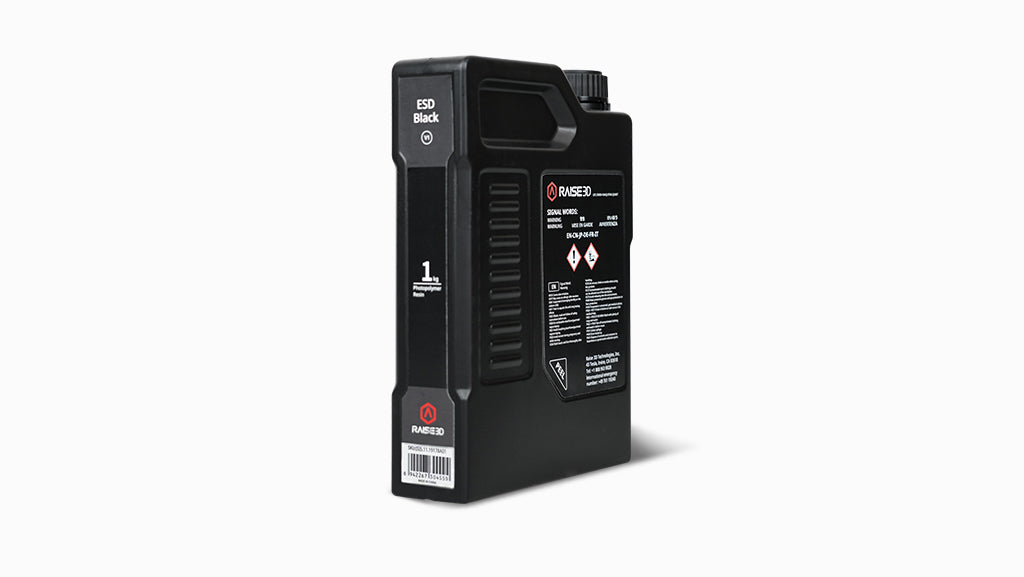
Raise3D ESD Black Resin
Key Material Properties
Surface resistance: 10⁵–10⁸ Ω/sq; Young’s modulus: 3.0 GPa; tensile strength: 68 MPa
Typical Applications
Electronics manufacturing fixtures, storage trays, electronic housings, sensor brackets and connector housings
ㅤㅤㅤㅤ
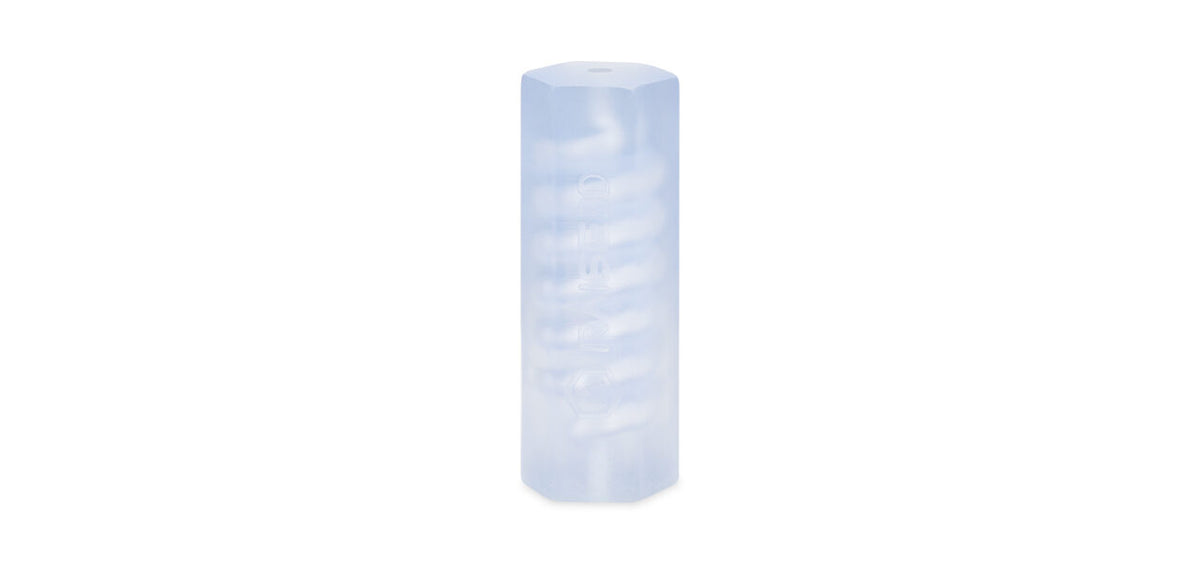
Transparency
Raise3D High Clear Resin
Key Material Properties
Parts are semi-transparent immediately after printing. Greater transparency can be achieved through sanding, polishing or varnishing.
Typical Applications
Transparent housings, visual prototypes, optical components, fluid-flow models and protective covers